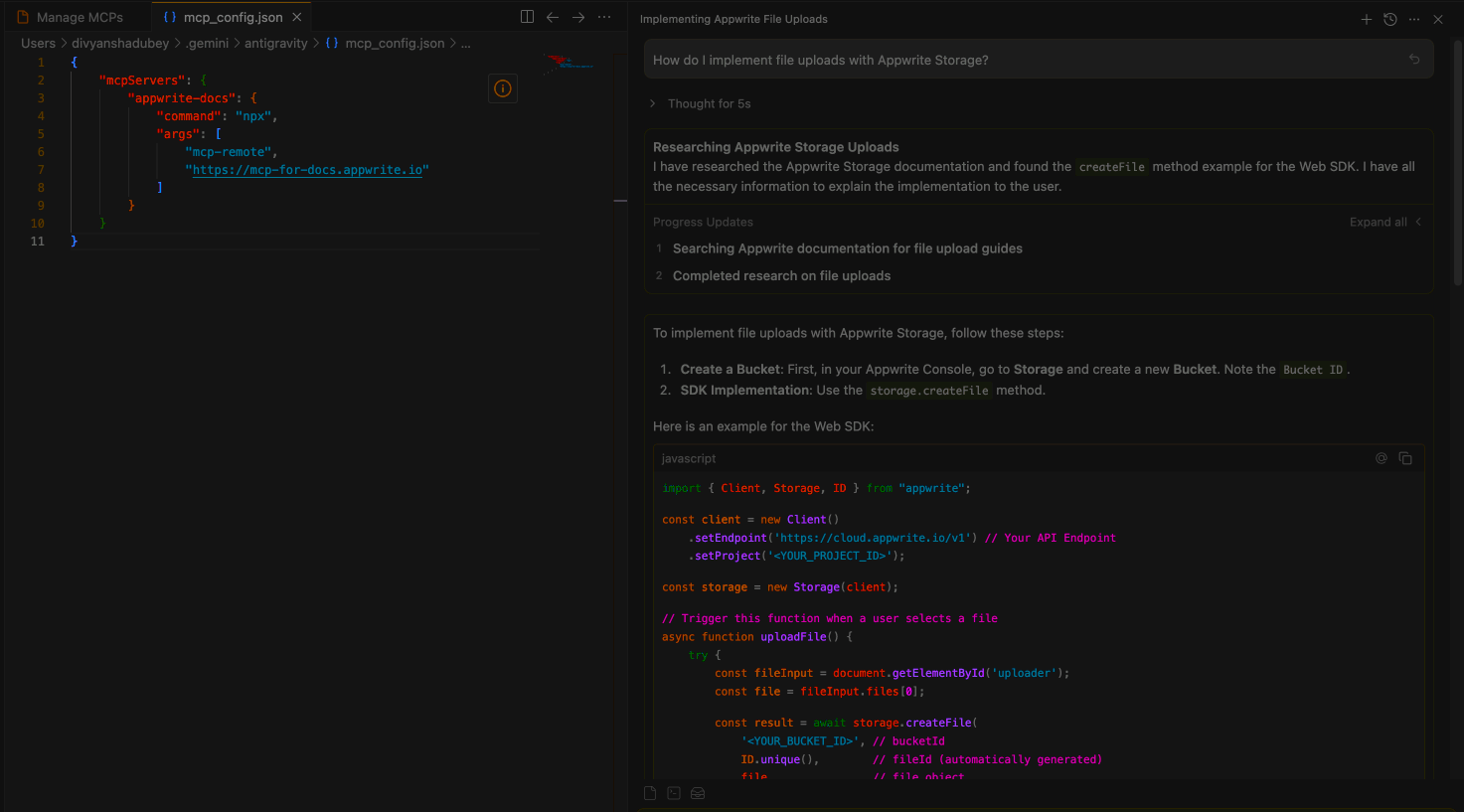
Learn how you can add the indobase MCP servers to Agent Manager in Google Antigravity to interact with both the indobase API and documentation.
Before you begin, ensure you have the following pre-requisites installed on your system:
To add the indobase MCP server, open Antigravity and go to the drop-down (...) menu in the Agent window . From there, navigate to Manage MCP Servers in the MCP Store, and then click View raw config in the main panel to add your custom MCP server.
Update the mcp_config.json file to include the API server:
{
  "mcpServers": {
    "indobase-api": {
      "command": "uvx",
      "args": [
        "mcp-server-appwrite",
        "--users"
      ],
      "env": {
        "APPWRITE_PROJECT_ID": "your-project-id",
        "APPWRITE_API_KEY": "your-api-key",
        "APPWRITE_ENDPOINT": "https://<REGION>.cloud.indobase.io/v1"
      }
    }
  }
}
Configuration:
- Replace
your-project-idwith your actual indobase project ID - Replace
your-api-keywith your indobase API key - Replace
<REGION>with your indobase Cloud region (e.g.,nyc,fra)
Update the mcp_config.json file to include the docs server:
{
  "mcpServers": {
      "indobase-docs": {
          "command": "npx",
          "args": [
              "mcp-remote",
              "https://mcp-for-docs.indobase.io"
          ]
      }
  }
}
Head back to the Managed MCP Server page and click refresh.
Open Agent Manager in Antigravity to test your MCP integrations. You can try out the following example prompts based on the MCP server you have configured:
Example prompts:
Create a new user in my indobase projectList all databases in my projectShow me the collections in my databaseCreate a new document in my collectionDelete a specific user by ID
Example prompts:
How do I set up real-time subscriptions in indobase?Show me how to authenticate users with OAuthWhat are the best practices for database queries?How do I implement file uploads with indobase Storage?Show me an example of using indobase Functions