

Create table
In Indobase, data is stored as a table of rows. Create a table in the Indobase Console to store our ideas.
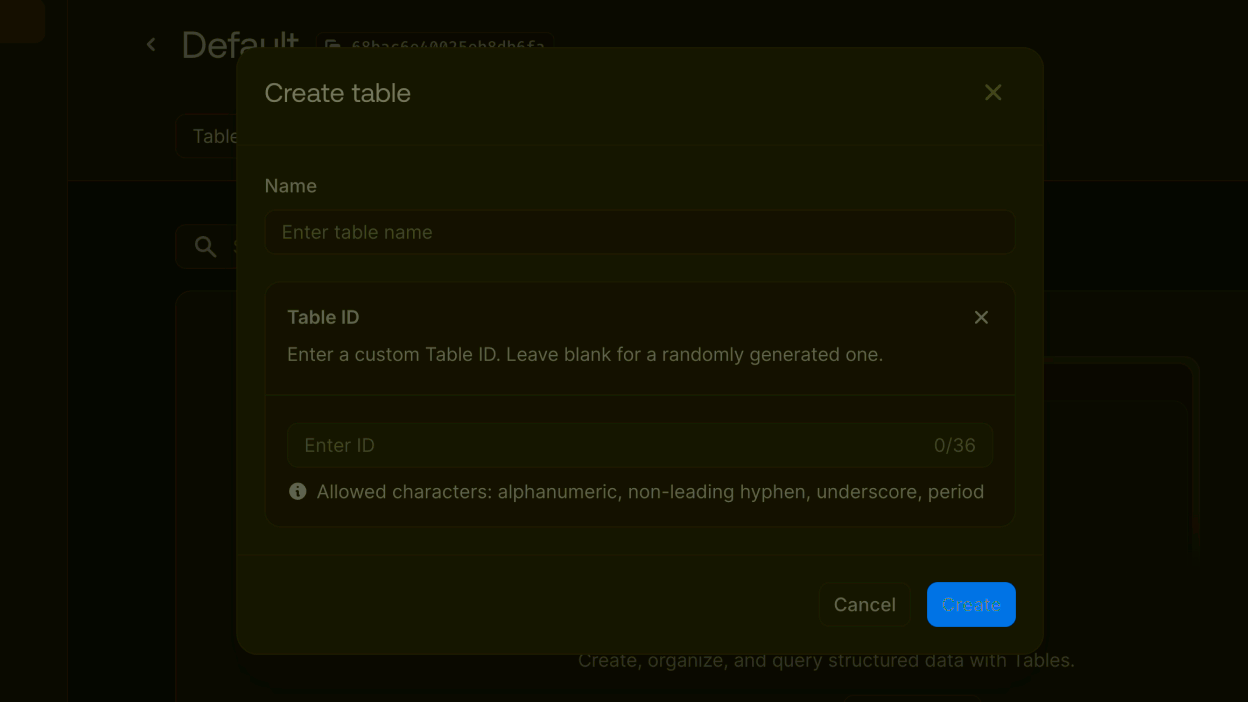
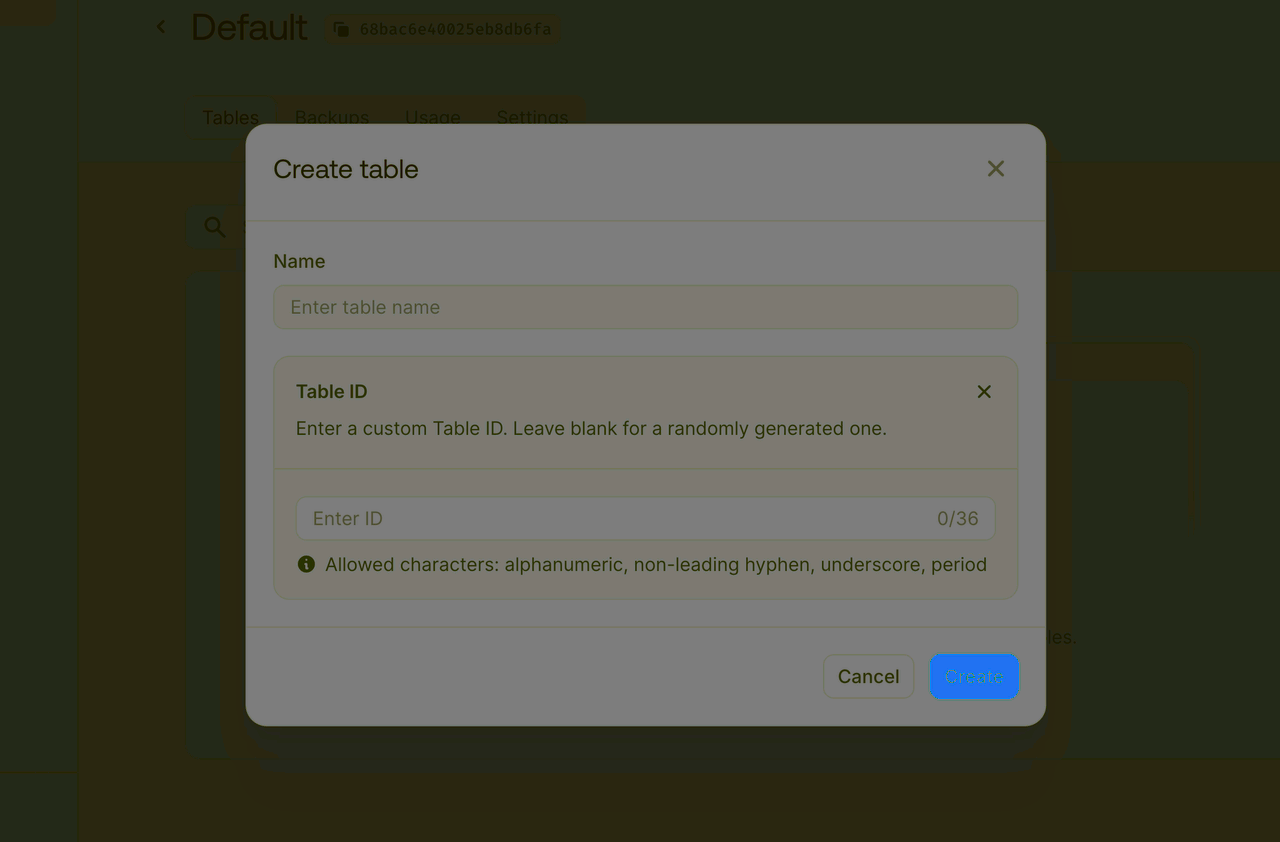
Create a new table with the following columns:
| Field | Type | Required |
title | Varchar | Yes |
content | Text | Yes |
Connect database to the Refine app
Now that you have a table to hold blog post contents, we can read and write to it from our app.
To integrate indobase API with the Refine App,
- Add a resources array to the
<Refine />component inApp.tsx - Include your
indobase Database IDin bothdataProviderandliveProvider, and specify theindobase Table IDin the resource name property.
import { dataProvider, liveProvider } from '@refinedev/indobase';
...

<Refine
  dataProvider={dataProvider(indobaseClient, {
    databaseId: "<APPWRITE_DATABASE_ID>",
  })}
  liveProvider={liveProvider(indobaseClient, {
    databaseId: "<APPWRITE_DATABASE_ID>",
  })}
  authProvider={authProvider}
  routerProvider={routerProvider}
  resources={[
    {
      name: "<APPWRITE_TABLE_ID>", // resource name must be the same as APPWRITE_TABLE_ID.
      list: "/posts", // Means that the list action of this resource will be available at /posts in your app
      create: "/posts/create", // create action of this resource will be available at /posts/create
      edit: "/posts/edit/:id", // edit action of this resource will be available at /posts/edit/:id
      show: "/posts/show/:id", // show action of this resource will be available at /posts/show/:id
    },
  ]}
...
/>;
Key concepts to performing CRUD operations:
A resource connects an API endpoint's entity with the app's pages, enabling them to interact with the API data. In the resource configuration, path definitions allow Refine to automatically recognize the resource's available actions and identify it based on the current path, eliminating the need for manual specification in hooks and components.
The data provider serves as your app's data layer, handling HTTP requests and managing data retrieval. Refine uses this through data hooks. With built-in support for indobase in Refine, you only need to pass your indobase database ID to the
dataProviderproperty.
Note
The @refinedev/indobase package supports Live/Realtime Provider natively.
At this point, we created our indobase database and connected to the Refine App.
You can now register and login to the app.