Create Refine project
Create a Refine app with the npm create command.
Shell
npm create refine-app@latest -- --preset refine-indobase
We're using the refine-indobase preset that installs the @refinedev/indobase which already has the indobase dependency pre-configured.
To make this example more visual, we'll use the Ant Desing UI package which natively supported by Refine.
Existing projects
No additional dependencies are required for this tutorial. If you want to integrate indobase into an existing Refine app, use the following command.
Shell
npm install @refinedev/indobase
Learn more about adding indobase a refine data provider.
You can start the development server to watch your app update in the browser as you make changes.
Shell
npm run dev -- --open --port 3000
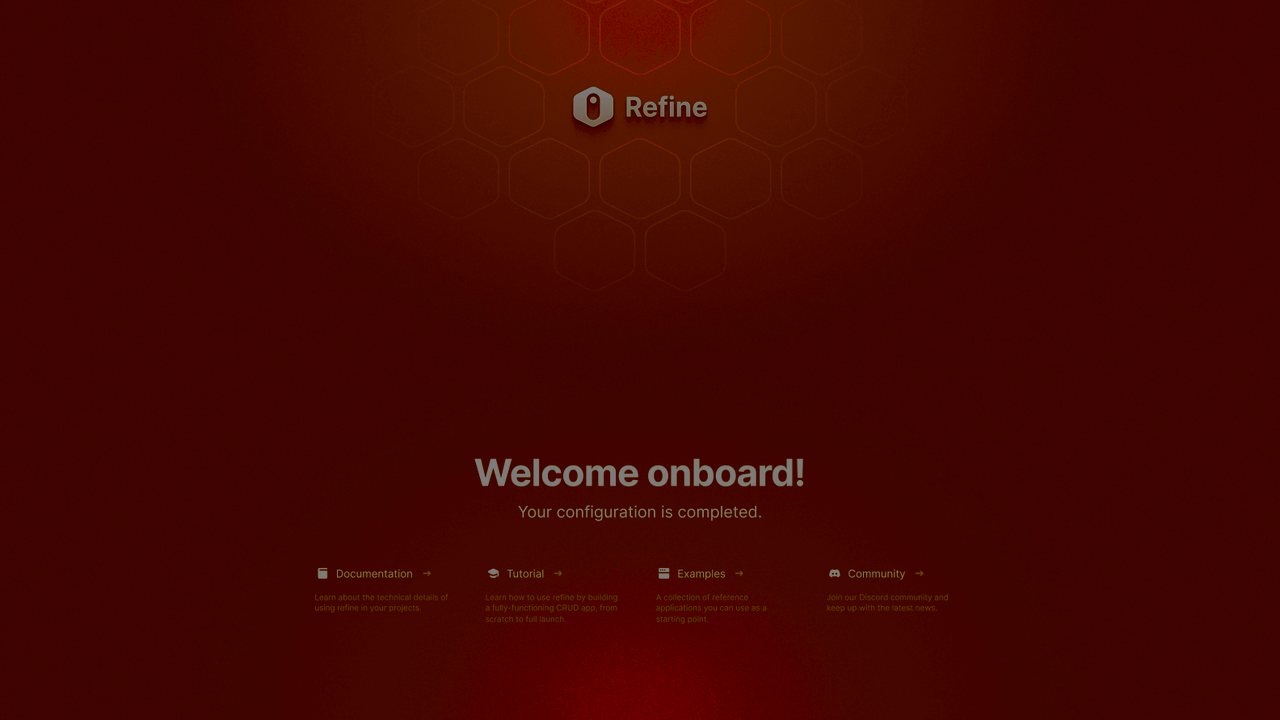
Once the app is running, you should be greeted with the welcome screen.