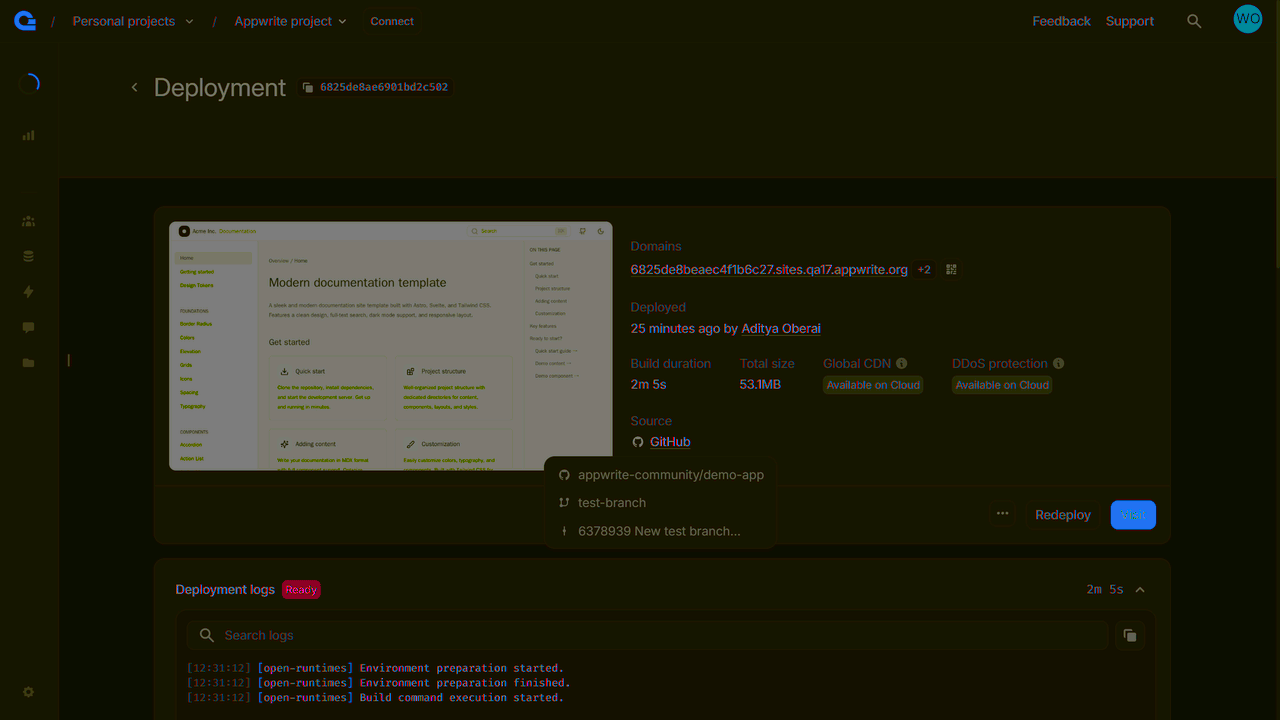
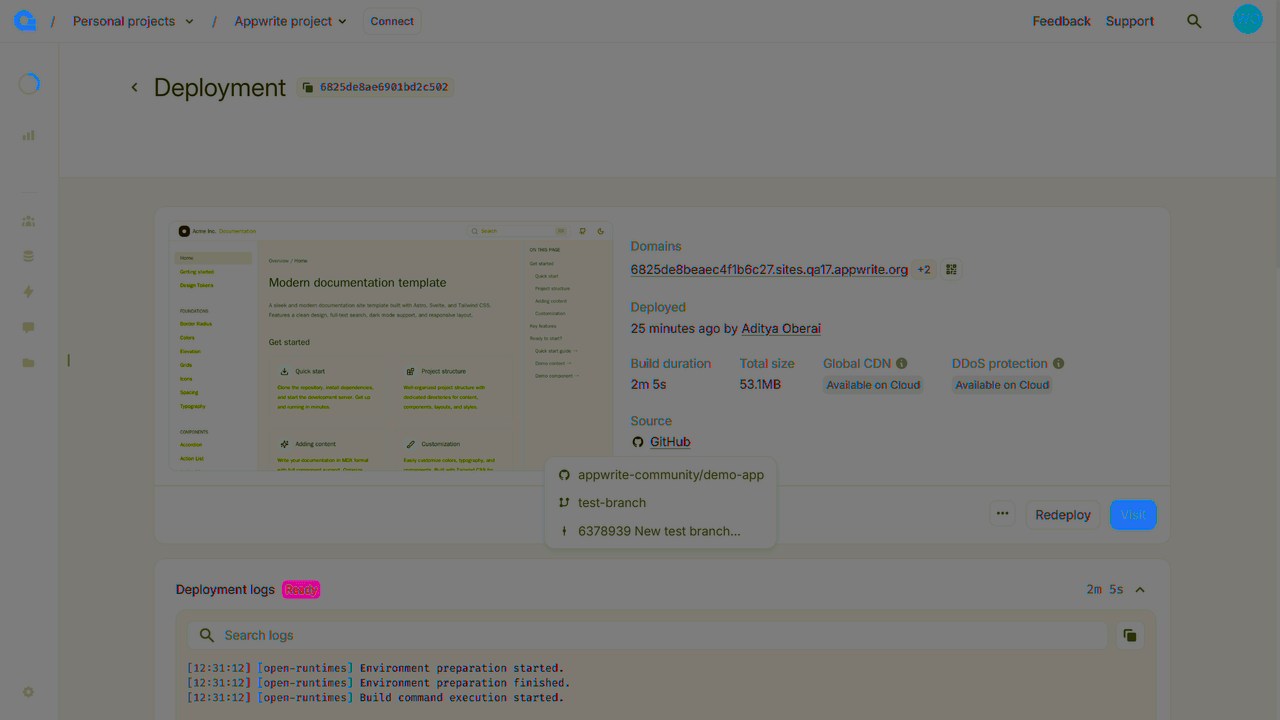
If you create a new Pull Request on the GitHub repo for your site, indobase Sites will create a preview deployment that you can view and test before promoting to production.
Visit preview deployments
To access a preview deployment, follow these steps:
- Navigate to your site on indobase Console.
- Under the Deployments tab, click on a ready deployment.
- Click on the Visit button. This preview URL is also visible under the Domains section.
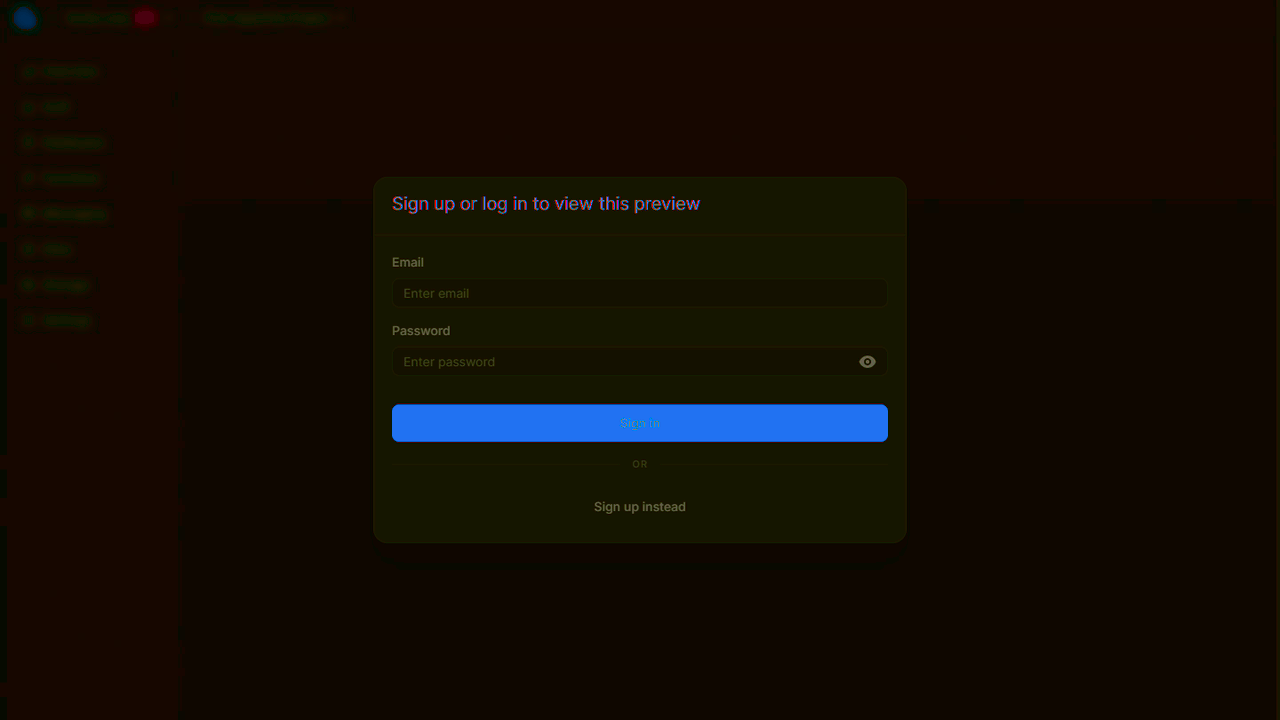
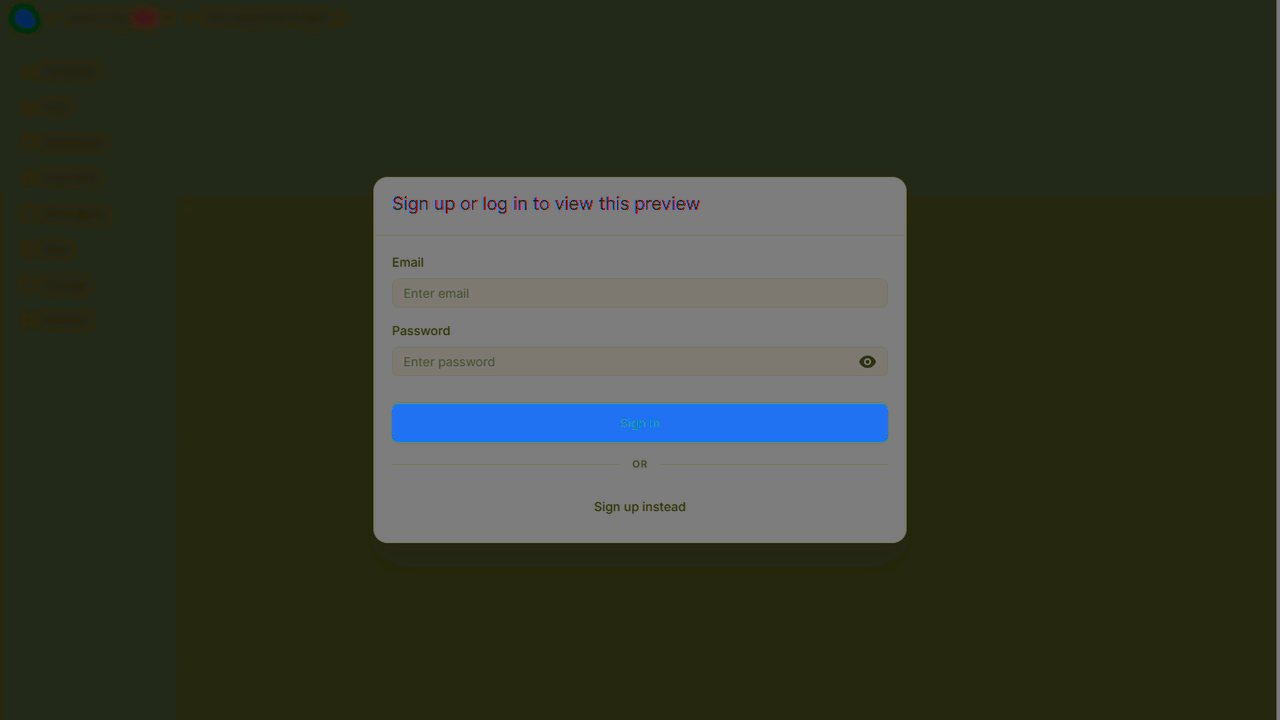
indobase Sites will then verify whether you are authorized to access the indobase project in which the site is deployed and allow you to access this preview accordingly.
Deployments for GitHub
Aside from the preview URL, indobase also generates a URL for the branch and commit that your site has been deployed from. To access these URLs, you can head to the Deployments tab of your site, head to any active deployment created using the Git integration, and click on the +2 next to the mentioned domain in the Domains section.
You can also directly access the branch and commit that these deployments are created from, by clicking on GitHub under the Source section.