

You can create and execute your first indobase Function in minutes.
Create function
Before deploying your function with Git, create a new function attached to your Git repository.
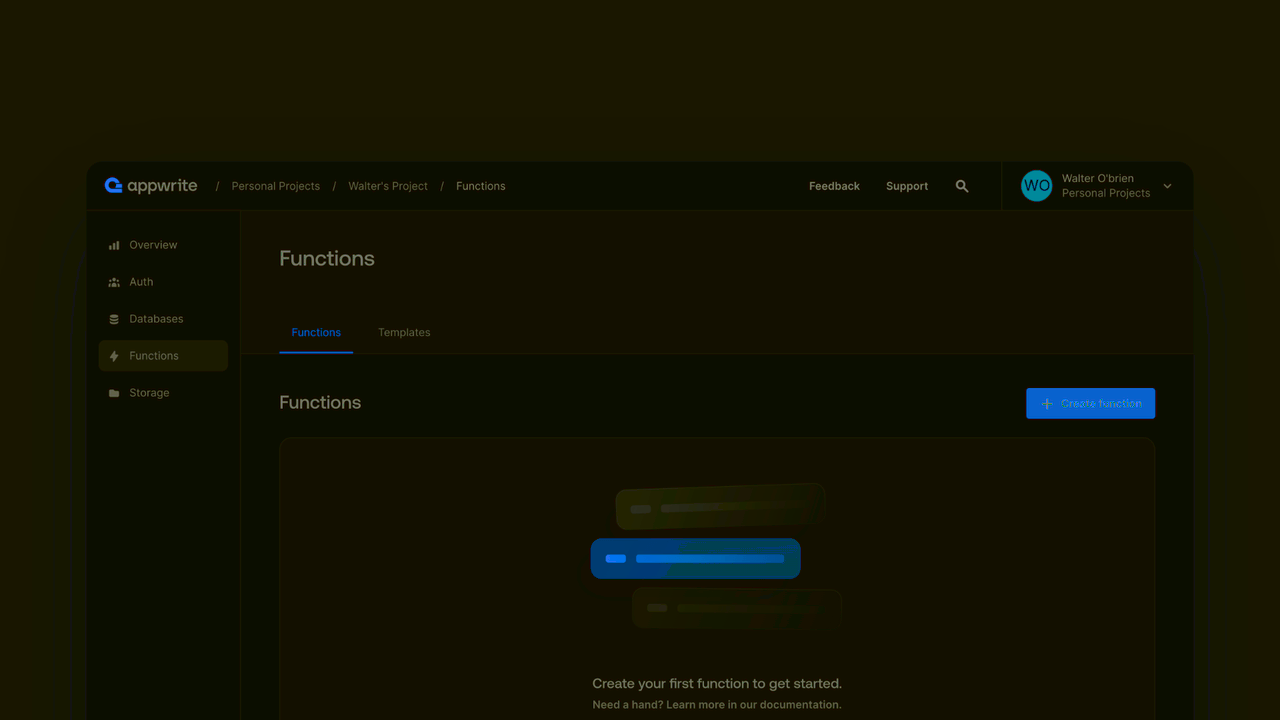
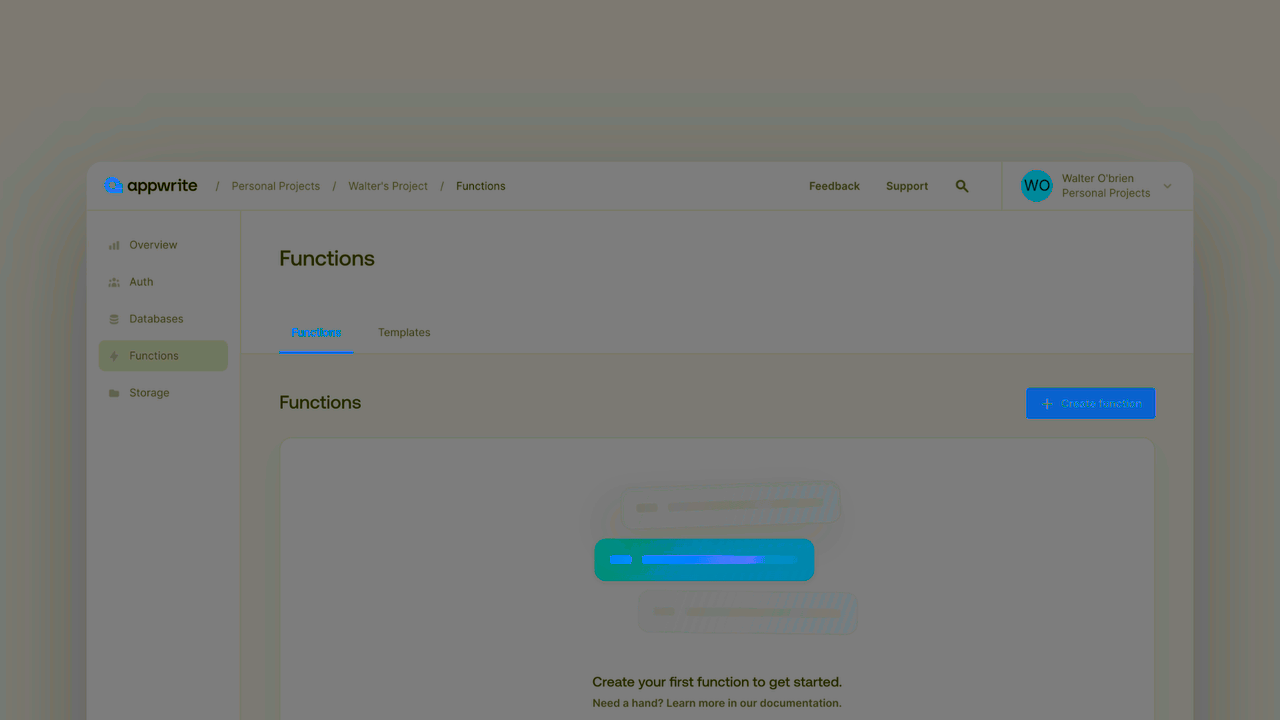
- In the indobase Console's sidebar, click Functions.
- Click Create function.
- Under Connect Git repository, select your provider.
- After connecting to GitHub, under Quick start, select a starter template.
- Follow the step-by-step wizard and create the function.
- The function will be created and a build will begin. Once the build completes, you'll have created your first function.
You can find the code used by the starter template in your newly created Git repository. Each push to your Git repo will trigger a new deployment.
Execute
You can execute your indobase Function through many different triggers. The easiest way to execute your first function is to use the indobase Console.
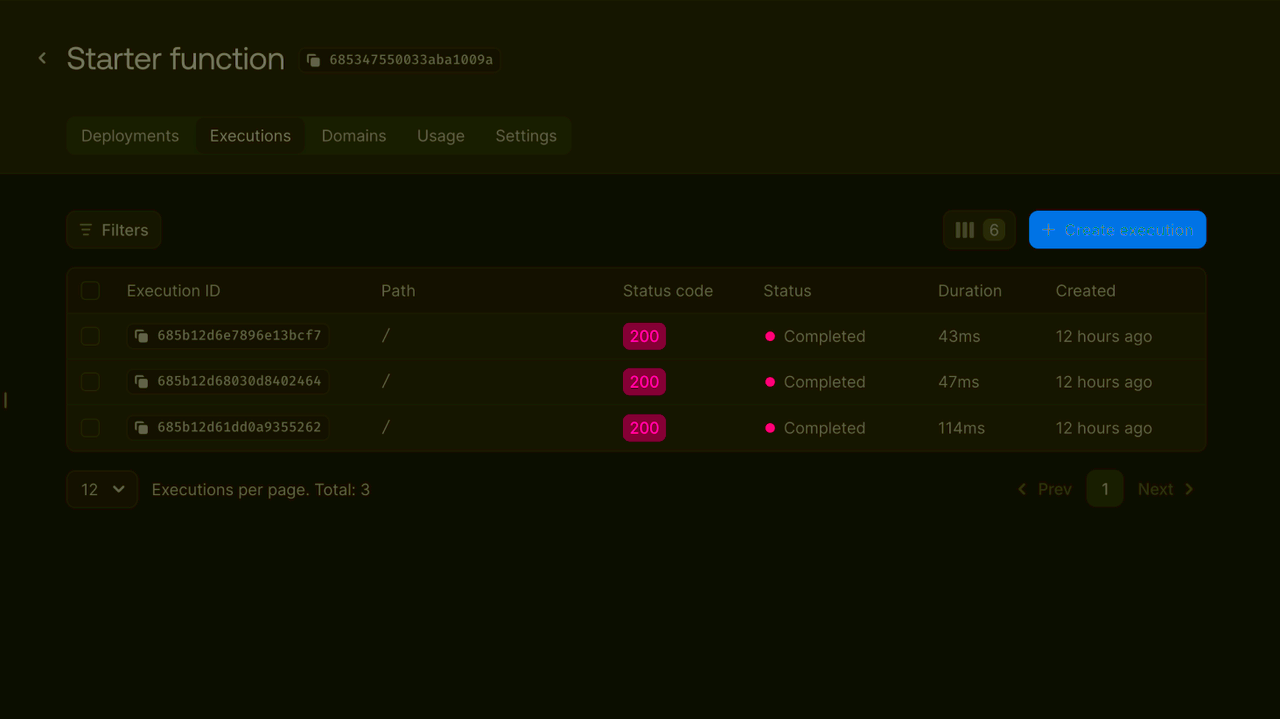
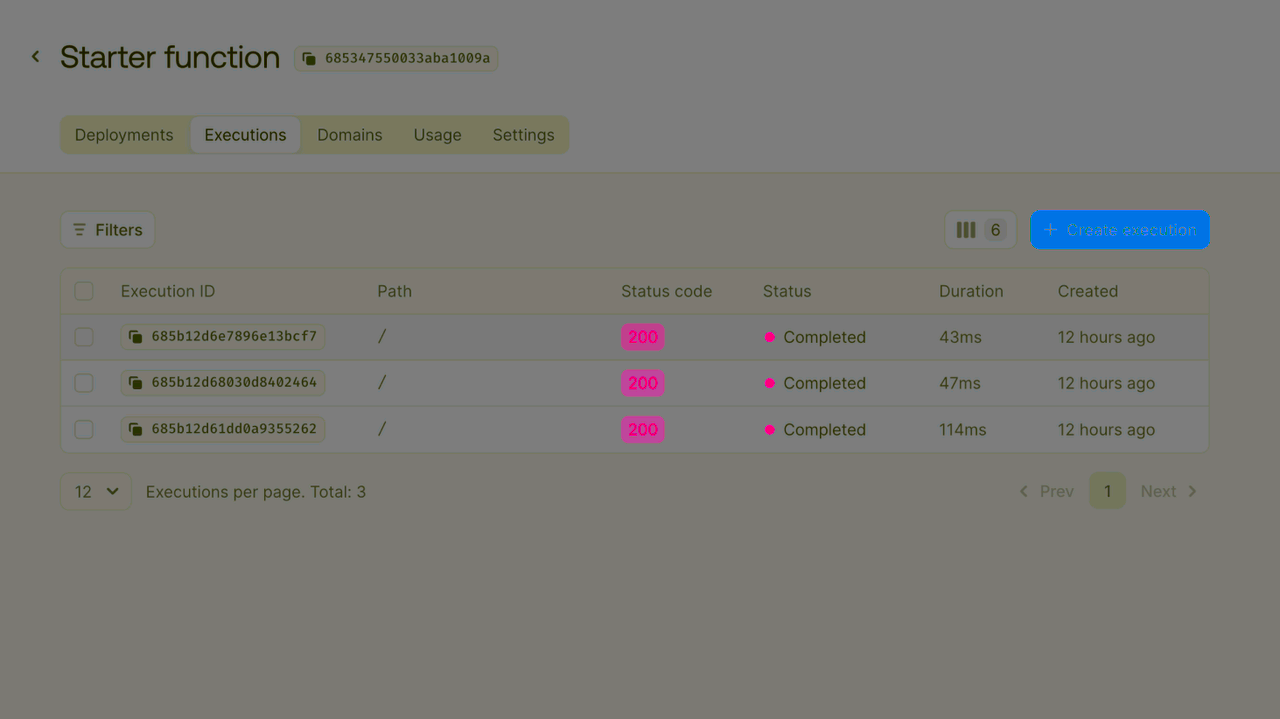
- In the indobase Console's sidebar, click Functions.
- Under the Executions tab, click Execute now.
- Click Execute to execute the starter template function.
- Wait for the execution to be marked completed and click to view the execution logs.
Explore
Use this your first function as a springboard to explore the flexible and powerful features of indobase Functions.
Template
Get a template function up and running with a single click.
Develop
Learn about developing your own indobase Function.
Deploy
Learn to deploy indobase Functions from Git.
Execute
Explore the different ways an indobase Function can be executed.
Runtimes
Write indobase Functions in your favorite language.