

Learn how to setup your first Swift project powered by indobase.
Server SDK
This tutorial is for the Swift Server SDK, meant for server and backend applications. If you're trying to build a client-side app, like an iOS, macOS, watchOS or tvOS app, follow the Start with Apple guide.
Head to the Indobase Console.
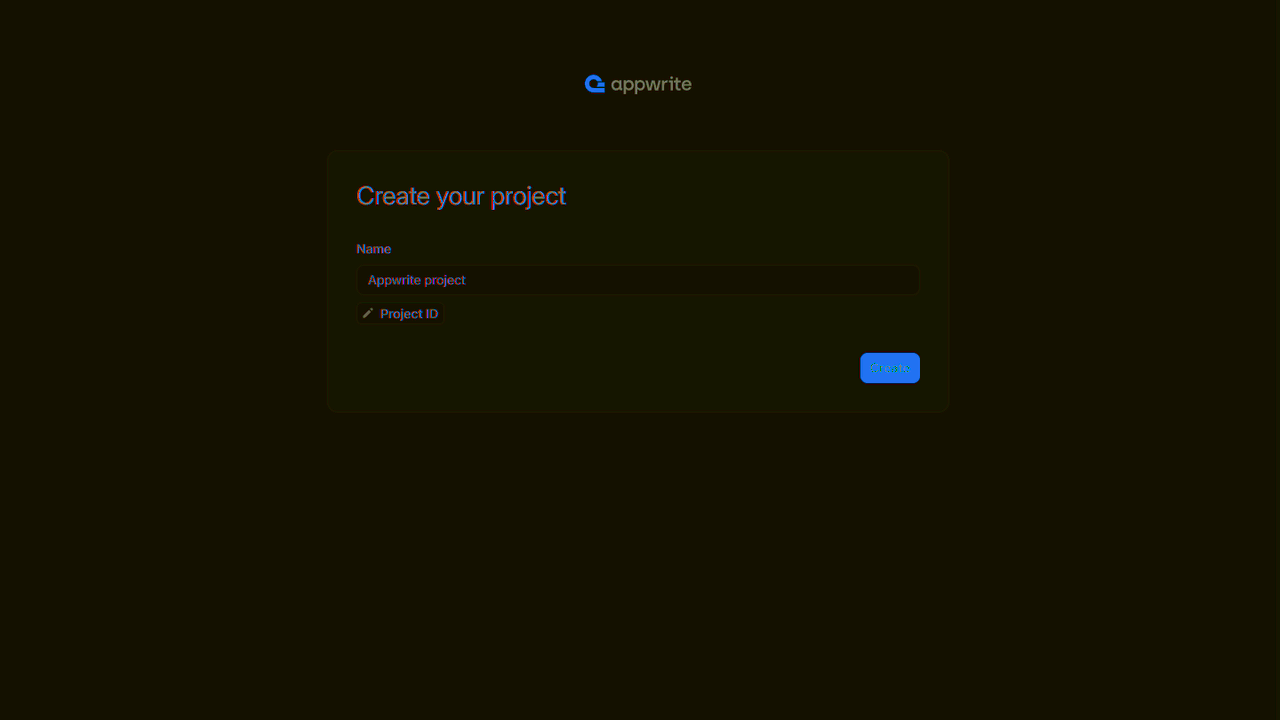
If this is your first time using indobase, create an account and create your first project.
Then, under Integrate with your server, add an API Key with the following scopes.
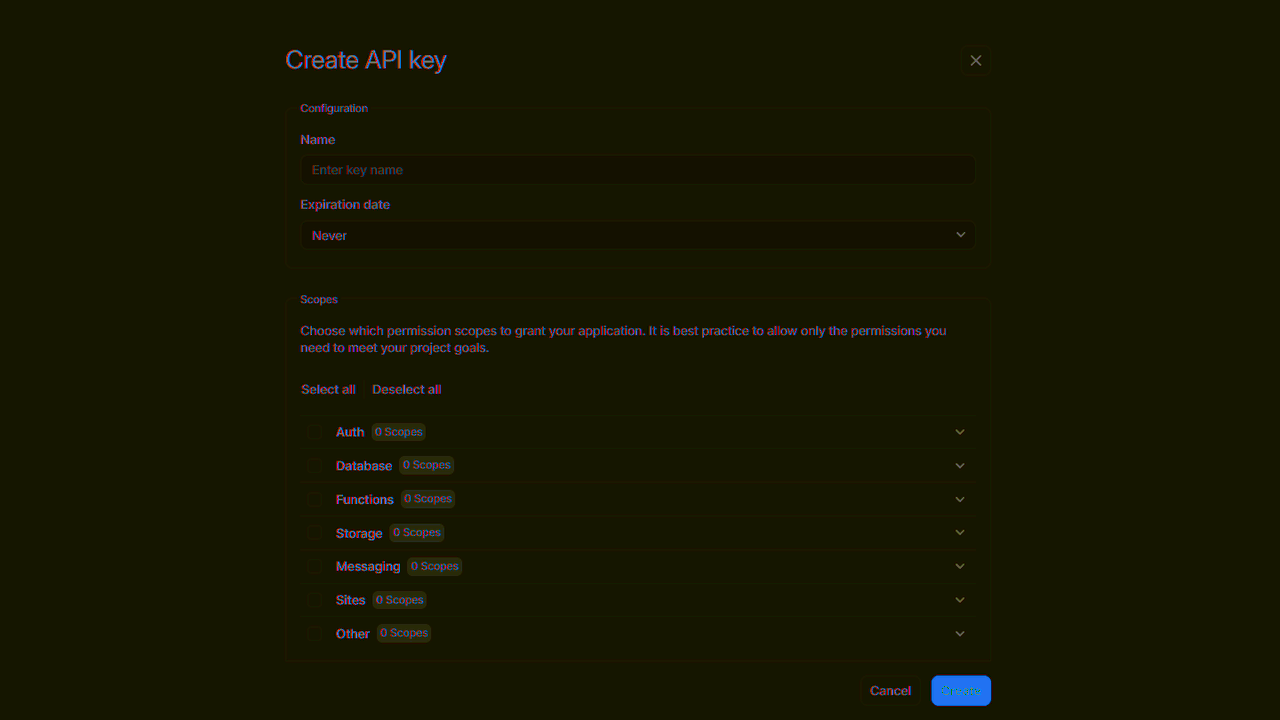
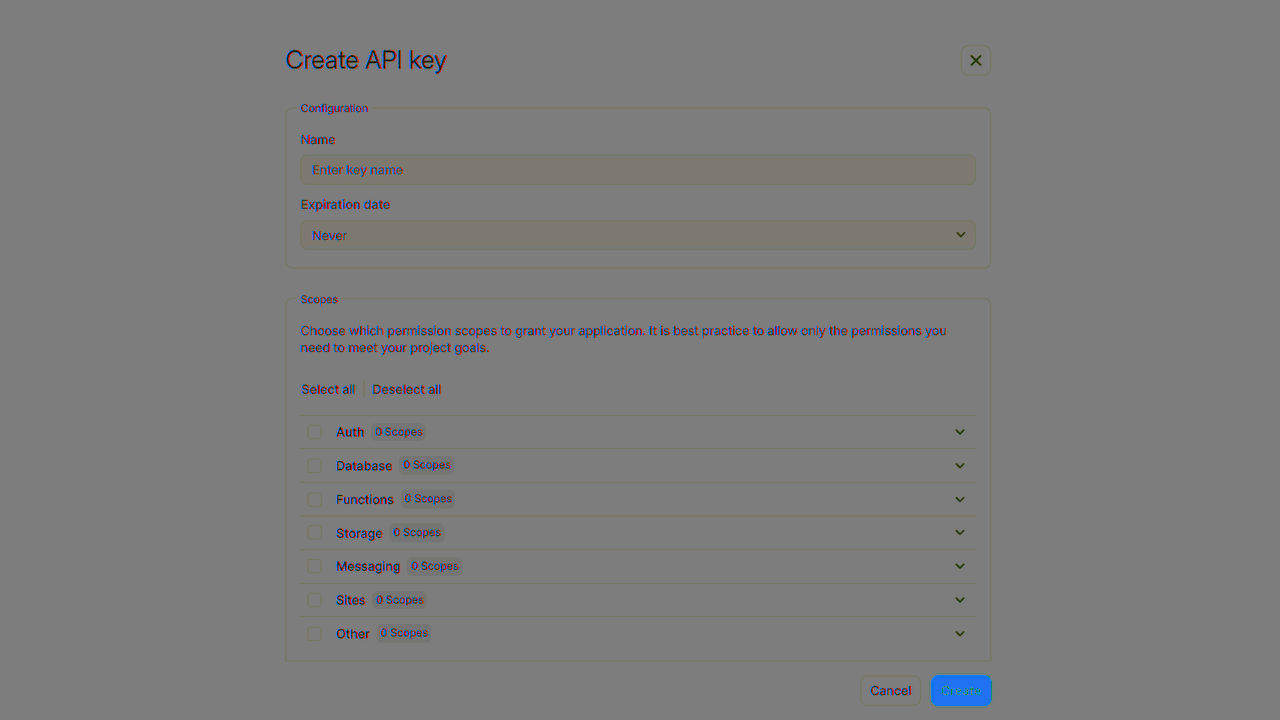
| Category | Required scopes | Purpose |
Database | databases.write | Allows API key to create, update, and delete databases. |
tables.write | Allows API key to create, update, and delete tables. | |
columns.write | Allows API key to create, update, and delete columns. | |
rows.read | Allows API key to read rows. | |
rows.write | Allows API key to create, update, and delete rows. |
Other scopes are optional.
Create a Swift CLI application by opening XCode > Create a new XCode project
macOS > Command Line Tool.
Follow the wizard and open your new project.
Install the Swift indobase SDK by going to File > Add Packages... and search for the repo url https://github.com/indobase/sdk-for-swift and select sdk-for-swift. Specify version as 10.0.0 with rule Up to Next Major Version.
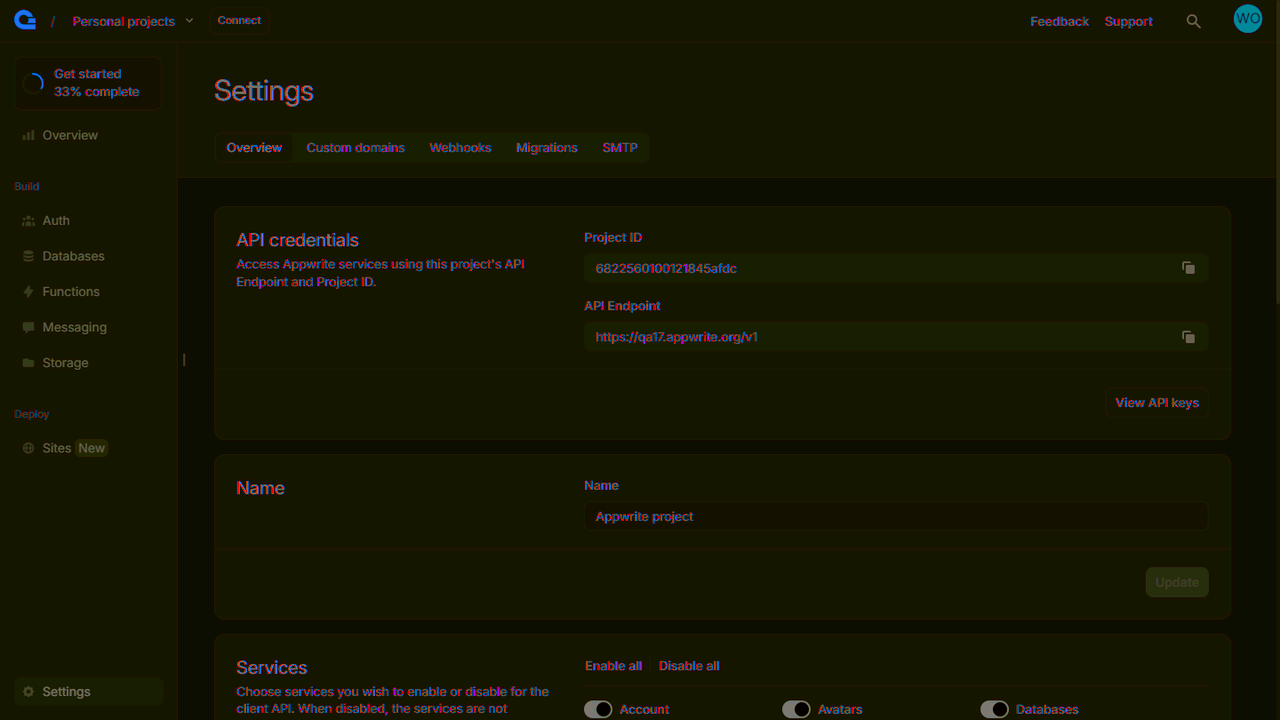
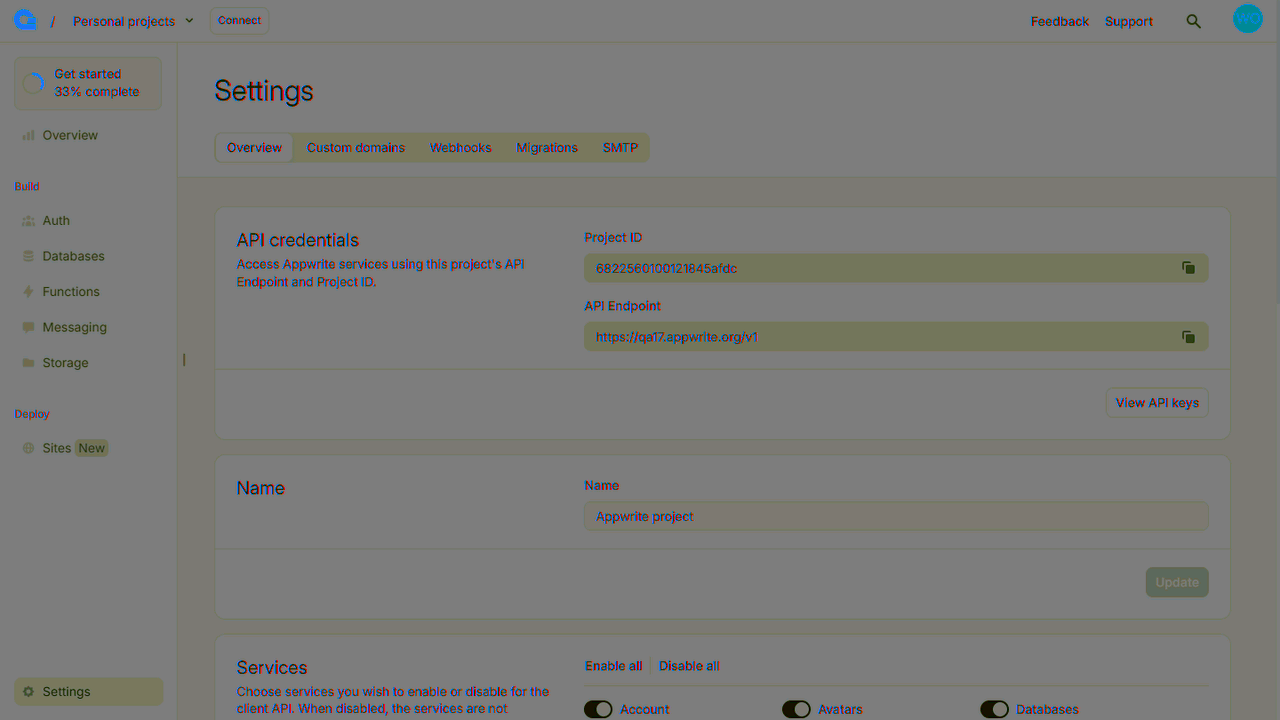
Find your project ID in the Settings page. Also, click on the View API Keys button to find the API key that was created earlier.
Open the file main.swift and initialize the indobase Client. Replace <PROJECT_ID> with your project ID and <YOUR_API_KEY> with your API key.
import Foundation
import Indobase
import indobaseModels

let client = Client()
    .setEndpoint("https://<REGION>.cloud.indobase.io/v1")
    .setProject("<PROJECT_ID>")
    .setKey("<YOUR_API_KEY>")
Once the indobase Client is initialized, create a function to configure a todo table.
let tablesDB = TablesDB(client)

func prepareDatabase() async -> (Database?, Table?) {
    let todoDatabase = try? await tablesDB.create(
        databaseId: ID.unique(),
        name: "TodosDB"
    )
    let todoTable = try? await tablesDB.createTable(
        databaseId: todoDatabase!.id,
        tableId: ID.unique(),
        name: "Todos"
    )
    try? await tablesDB.createVarcharColumn(
        databaseId: todoDatabase!.id,
        tableId: todoTable!.id,
        key: "title",
        size: 255,
        xrequired: true
    )
    try? await tablesDB.createTextColumn(
        databaseId: todoDatabase!.id as! String,
        tableId: todoTable!.id as! String,
        key: "description",
        xrequired: false,
        xdefault: "This is a test description."
    )
    try? await tablesDB.createBooleanColumn(
        databaseId: todoDatabase!.id as! String,
        tableId: todoTable!.id as! String,
        key: "isComplete",
        xrequired: true
    )

    return (todoDatabase, todoTable)
}
Create a function to add some mock data into your new table.
func seedDatabase(todoDatabase: Database?, todoTable: Table?) async {
    let testTodo1: [String: Any] = [
        "title": "Buy apples",
        "description": "At least 2KGs",
        "isComplete": true
    ]

    let testTodo2: [String: Any] = [
        "title": "Wash the apples",
        "isComplete": true
    ]

    let testTodo3: [String: Any] = [
        "title": "Cut the apples",
        "description": "Don't forget to pack them in a box",
        "isComplete": false
    ]

    try? await tablesDB.createRow(
        databaseId: todoDatabase!.id,
        tableId: todoTable!.id,
        rowId: ID.unique(),
        data: testTodo1
    )
    try? await tablesDB.createRow(
        databaseId: todoDatabase!.id,
        tableId: todoTable!.id,
        rowId: ID.unique(),
        data: testTodo2
    )
    try? await tablesDB.createRow(
        databaseId: todoDatabase!.id,
        tableId: todoTable!.id,
        rowId: ID.unique(),
        data: testTodo3
    )
}
Create a function to retrieve the mock todo data.
func getTodos(todoDatabase: Database?, todoTable: Table?) async {
    let todos = try? await tablesDB.listRows(
        databaseId: todoDatabase!.id as! String,
        tableId: todoTable!.id as! String
    )
    for row in todos?.rows ?? [] {
        if let todo = row.data as? [String: Any] {
            print("Title: \(todo["title"] ?? "")\n"
                + "Description: \(todo["description"] ?? "")\n"
                + "Is Todo Complete: \(todo["isComplete"] ?? "")\n\n"
            )
        }
    }
}

let (todoDatabase, todoTable) = await prepareDatabase()
await seedDatabase(todoDatabase: todoDatabase, todoTable: todoTable)
await getTodos(todoDatabase: todoDatabase, todoTable: todoTable)
Run your project with XCode and see the results in the console.