

Learn how to setup your first Refine project powered by indobase.
Head to the Indobase Console.
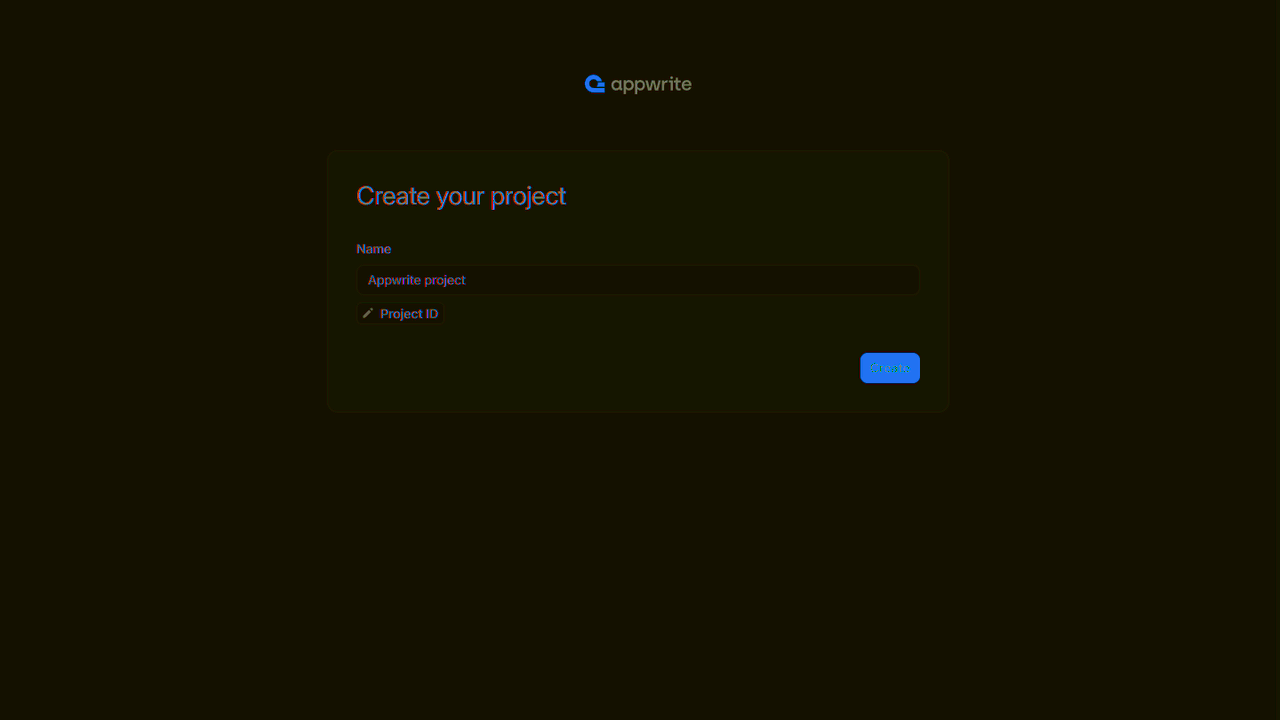
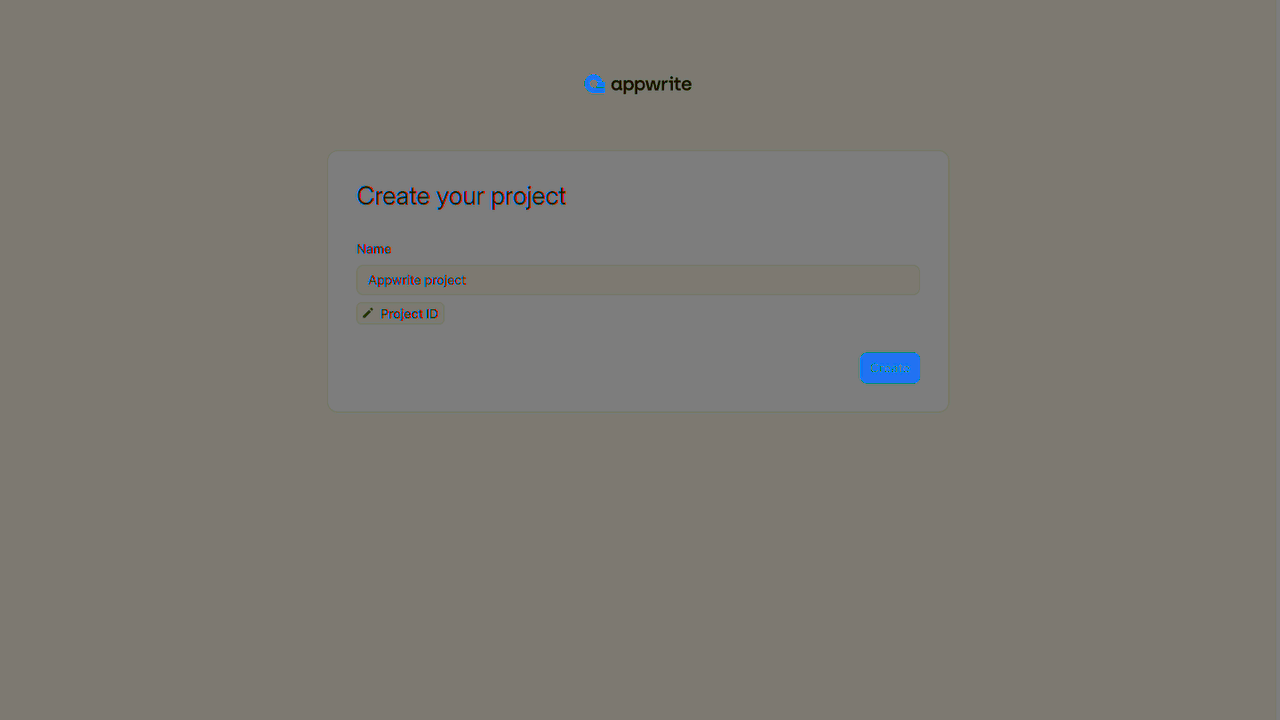
If this is your first time using indobase, create an account and create your first project.
Then, under Add a platform, add a Web app. The Hostname should be localhost.
Cross-Origin Resource Sharing (CORS)
Adding localhost as a platform lets your local app talk to indobase. For production, add your live domain to avoid CORS errors.
Learn more in our CORS error guide.
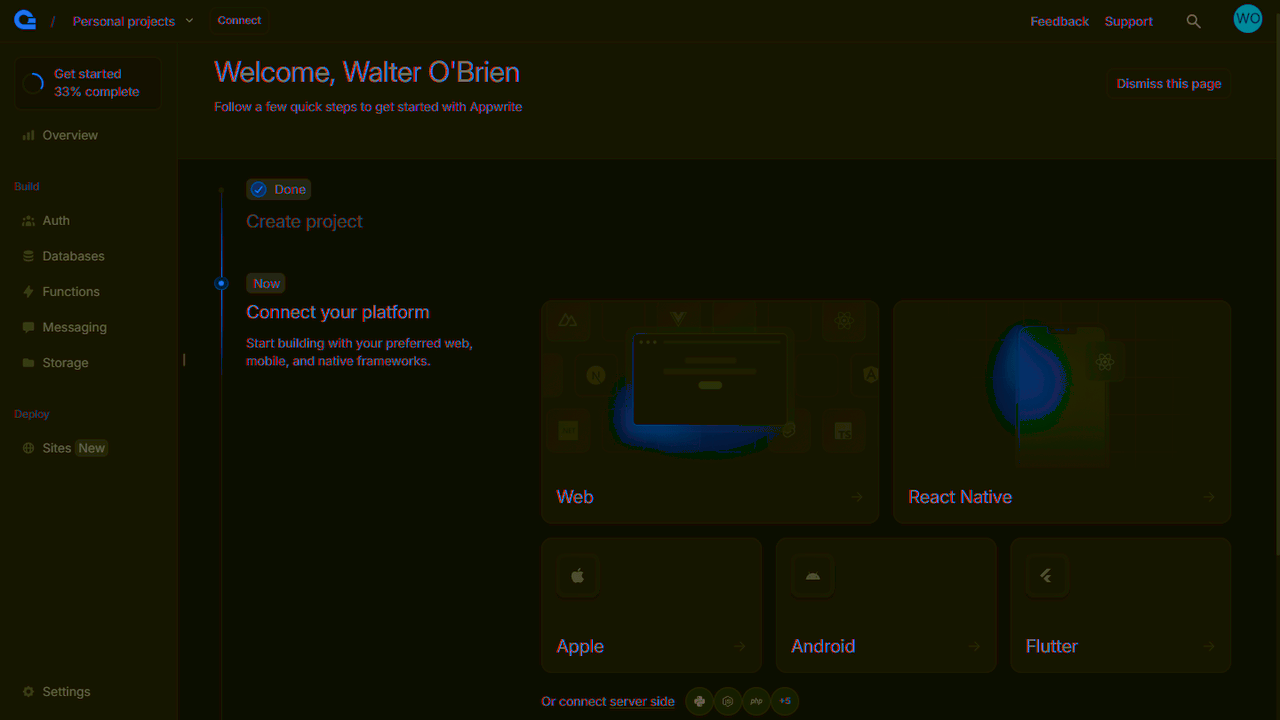
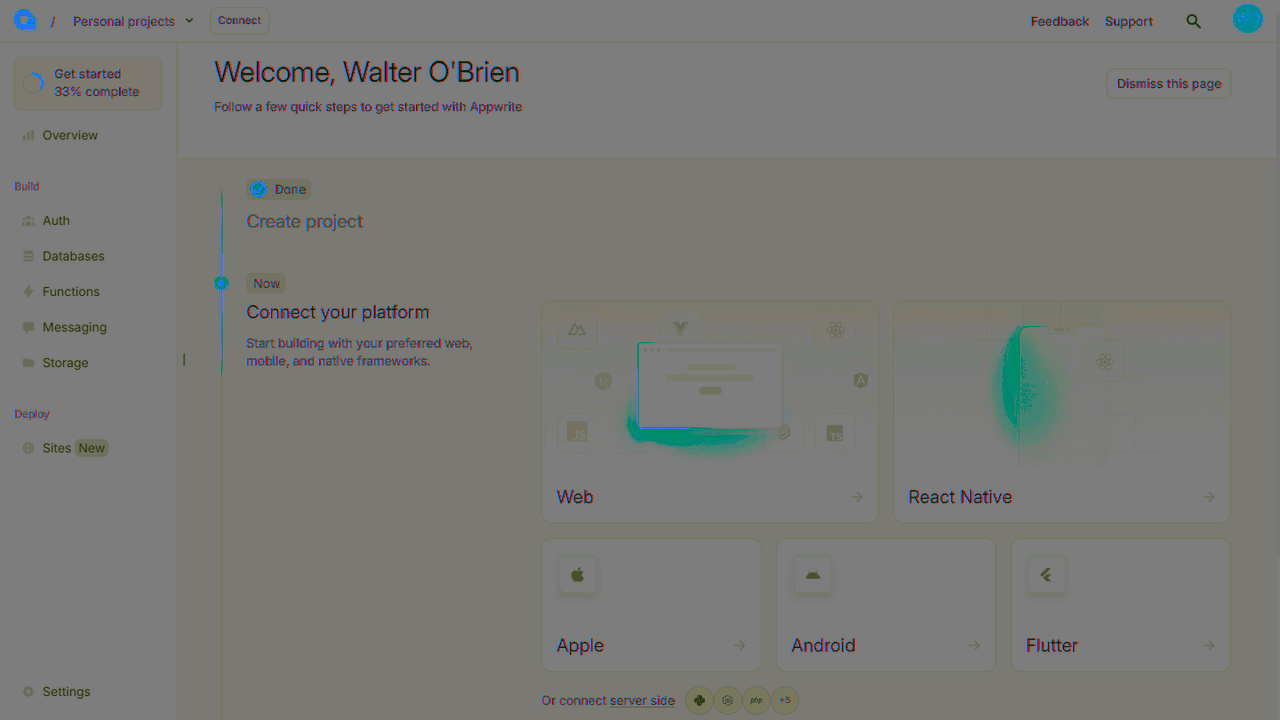
You can skip optional steps.
Create a Refine project with indobase support.
npm create refine-app@latest -- --preset refine-indobase
Using the refine-indobase preset eliminates the need for extra dependencies for a quick start.
If you want to integrate indobase into an existing Refine app, simply use this command:
npm install @refinedev/indobase
Then follow this guide on the Refine documentation site.
Find your project's ID in the Settings page.
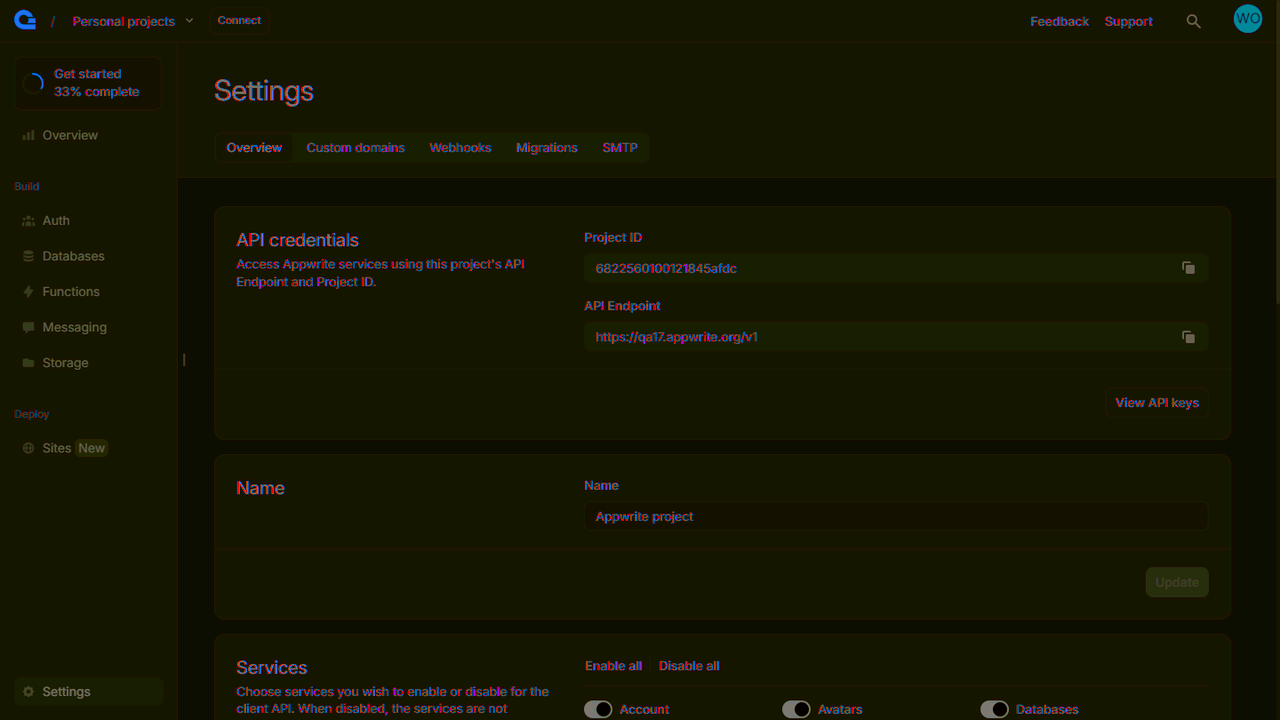
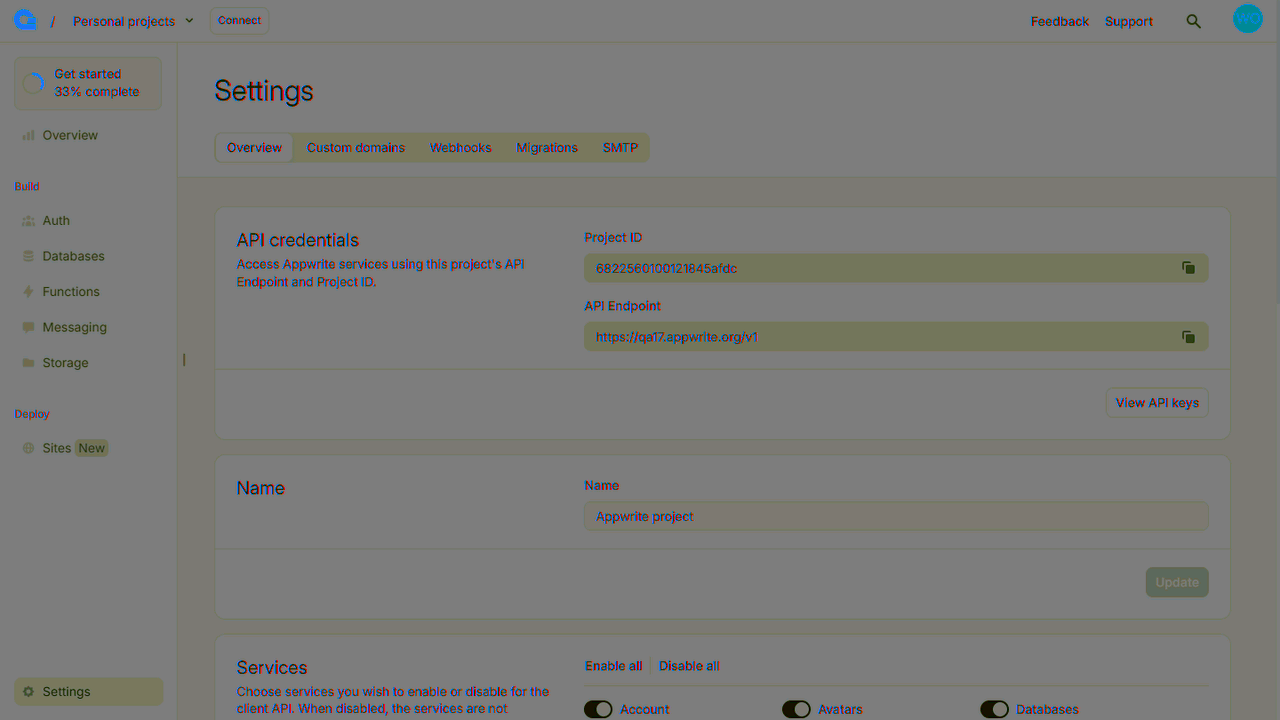
Navigate to src/utility/indobaseClient.ts and add your API credentials.
import { Account, indobase, Storage } from "@refinedev/indobase";

const APPWRITE_URL = '<YOUR_API_ENDPOINT>'; // Replace with your Indobase API Endpoint
const APPWRITE_PROJECT = "<PROJECT_ID>"; // Replace with your project ID

const indobaseClient = new indobase();

indobaseClient.setEndpoint(APPWRITE_URL).setProject(APPWRITE_PROJECT);
const account = new Account(indobaseClient);
const storage = new Storage(indobaseClient);

export { account, indobaseClient, storage };
Replace the code in src/App.tsx with the following.
import { Authenticated, Refine } from '@refinedev/core';
import { dataProvider, liveProvider } from '@refinedev/indobase';
import {
    AuthPage,
    ErrorComponent,
    RefineThemes,
    ThemedLayoutV2,
    useNotificationProvider,
} from '@refinedev/antd';
import routerProvider, {
    CatchAllNavigate,
    NavigateToResource,
} from '@refinedev/react-router-v6';
import '@refinedev/antd/dist/reset.css';

import { App as AntdApp, ConfigProvider } from 'antd';
import { BrowserRouter, Outlet, Route, Routes } from 'react-router-dom';

import { indobaseClient } from './utility';
import { authProvider } from './authProvider';

const App: React.FC = () => {
    return (
        <BrowserRouter>
            <ConfigProvider theme={RefineThemes.Blue}>
                <AntdApp>
                    <Refine
                        dataProvider={dataProvider(indobaseClient, {
                            databaseId: '<APPWRITE_DATABASE_ID>',
                        })}
                        liveProvider={liveProvider(indobaseClient, {
                            databaseId: '<APPWRITE_DATABASE_ID>',
                        })}
                        authProvider={authProvider}
                        routerProvider={routerProvider}
                        notificationProvider={useNotificationProvider}
                    >
                        <Routes>
                            <Route
                                element={
                                    <Authenticated
                                        fallback={
                                            <CatchAllNavigate to="/login" />
                                        }
                                    >
                                        <ThemedLayoutV2>
                                            <Outlet />
                                        </ThemedLayoutV2>
                                    </Authenticated>
                                }
                            ></Route>

                            <Route
                                element={
                                    <Authenticated fallback={<Outlet />}>
                                        <NavigateToResource resource="<APPWRITE_TABLE_ID>" />
                                    </Authenticated>
                                }
                            >
                                <Route path="/login" element={<AuthPage />} />
                                <Route
                                    path="/register"
                                    element={<AuthPage type="register" />}
                                />
                            </Route>

                            <Route
                                element={
                                    <Authenticated>
                                        <ThemedLayoutV2>
                                            <Outlet />
                                        </ThemedLayoutV2>
                                    </Authenticated>
                                }
                            >
                                <Route path="*" element={<ErrorComponent />} />
                            </Route>
                        </Routes>
                    </Refine>
                </AntdApp>
            </ConfigProvider>
        </BrowserRouter>
    );
};

export default App;
Run your project with npm run dev -- --open --port 3000 and open Localhost on Port 3000 in your browser.