

Learn how to set up your first Go project powered by indobase.
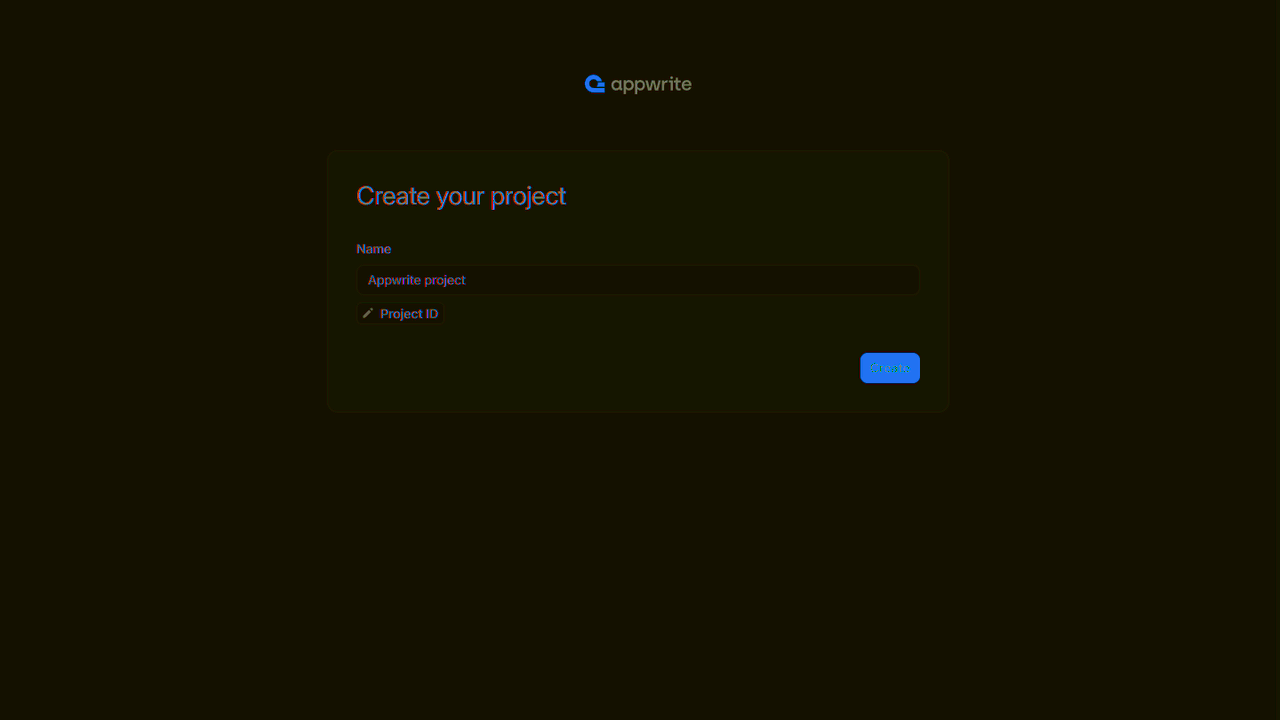
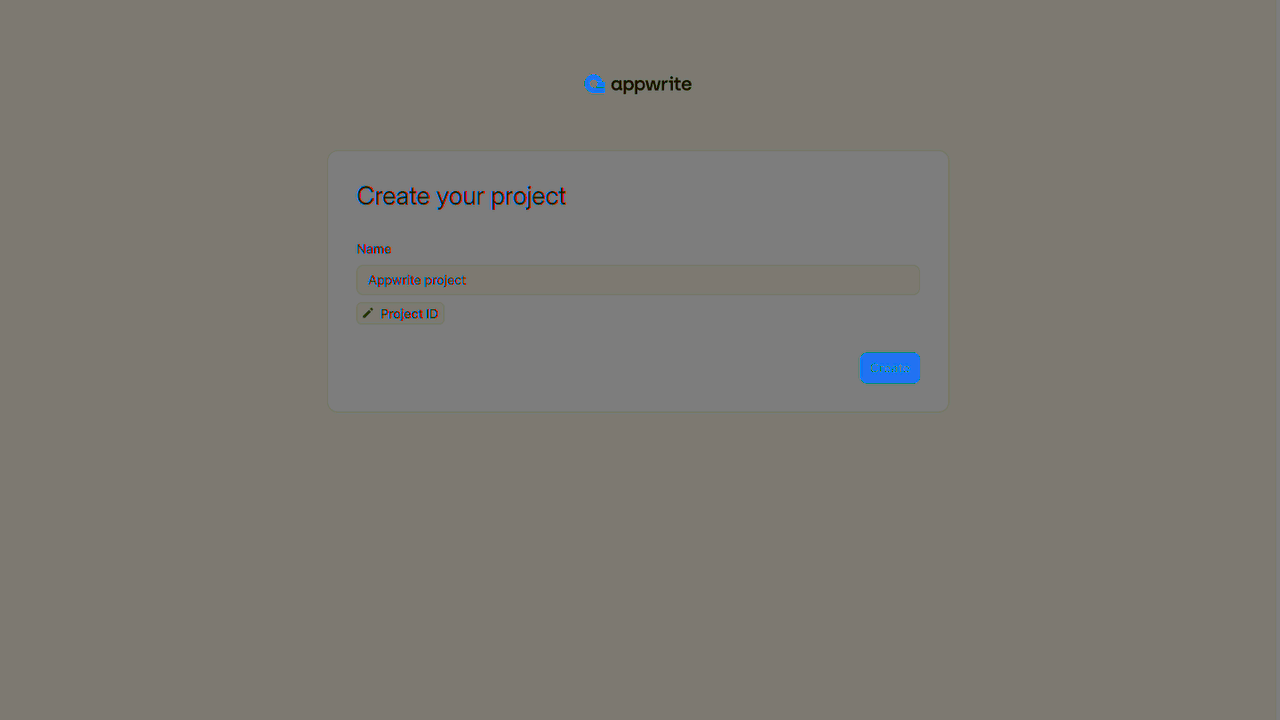
Head to the Indobase Console.
If this is your first time using indobase, create an account and create your first project.
Then, under Integrate with your server, add an API Key with the following scopes.
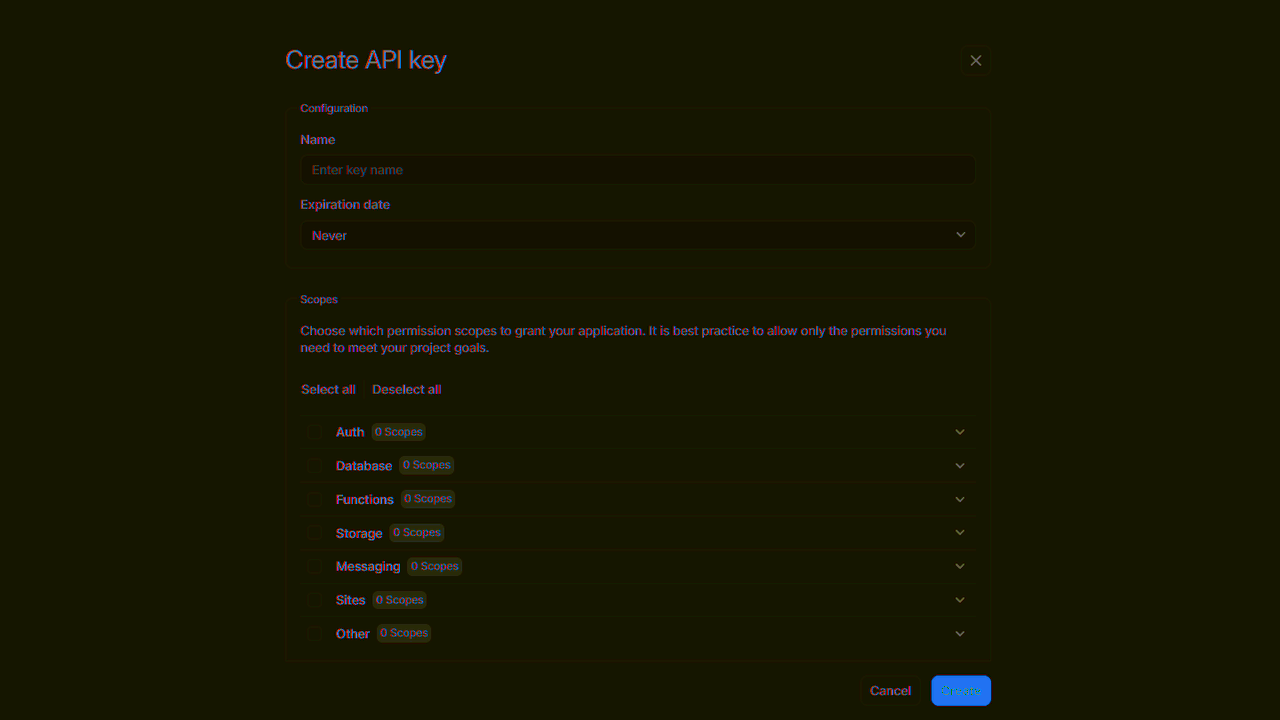
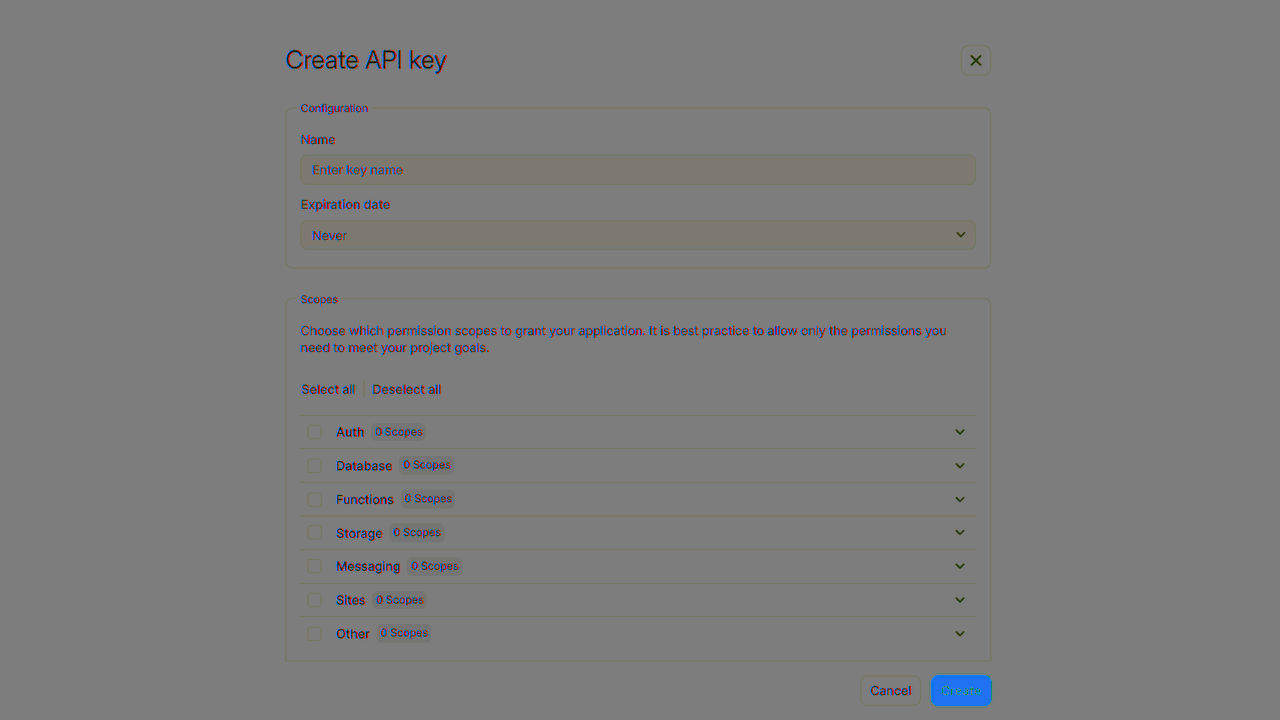
| Category | Required scopes | Purpose |
Database | databases.write | Allows API key to create, update, and delete databases. |
tables.write | Allows API key to create, update, and delete tables. | |
columns.write | Allows API key to create, update, and delete columns. | |
rows.read | Allows API key to read rows. | |
rows.write | Allows API key to create, update, and delete rows. |
Other scopes are optional.
Create a go application.
mkdir my-app
cd my-app
go mod init go-indobase/main
Install the Go indobase SDK.
go get github.com/indobase/sdk-for-go
Find your project ID in the Settings page. Also, click on the View API Keys button to find the API key that was created earlier.
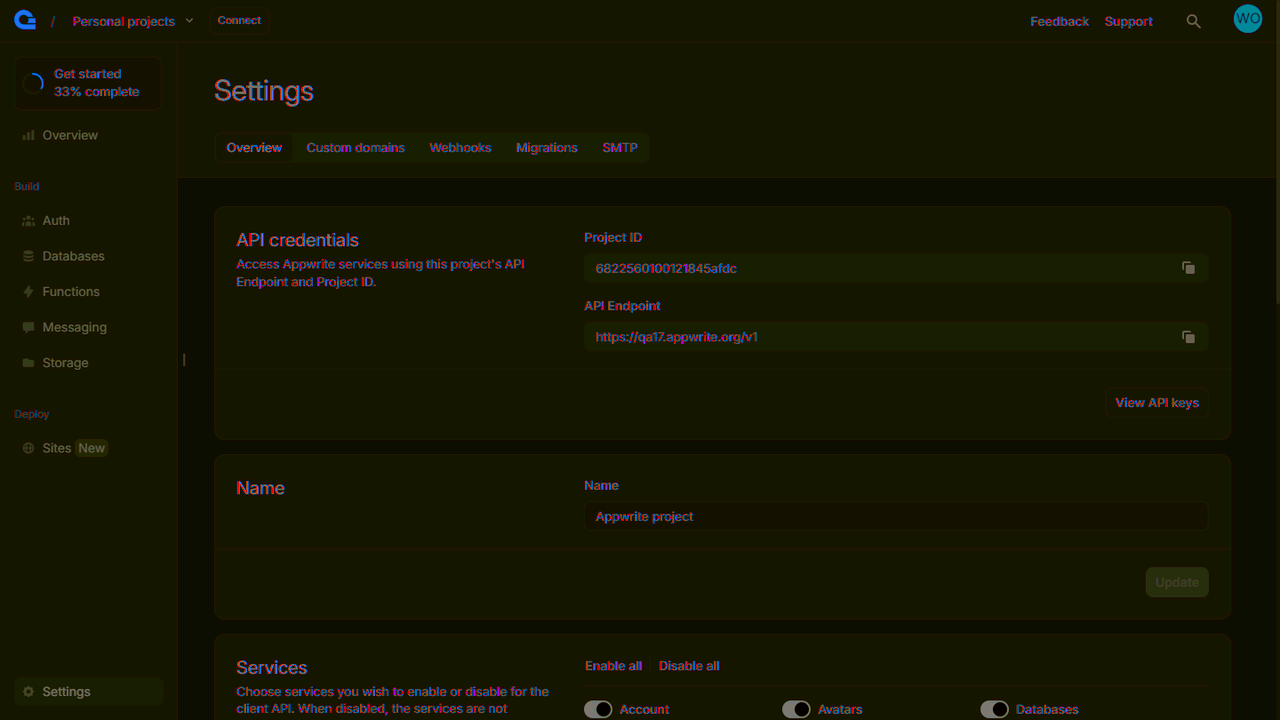
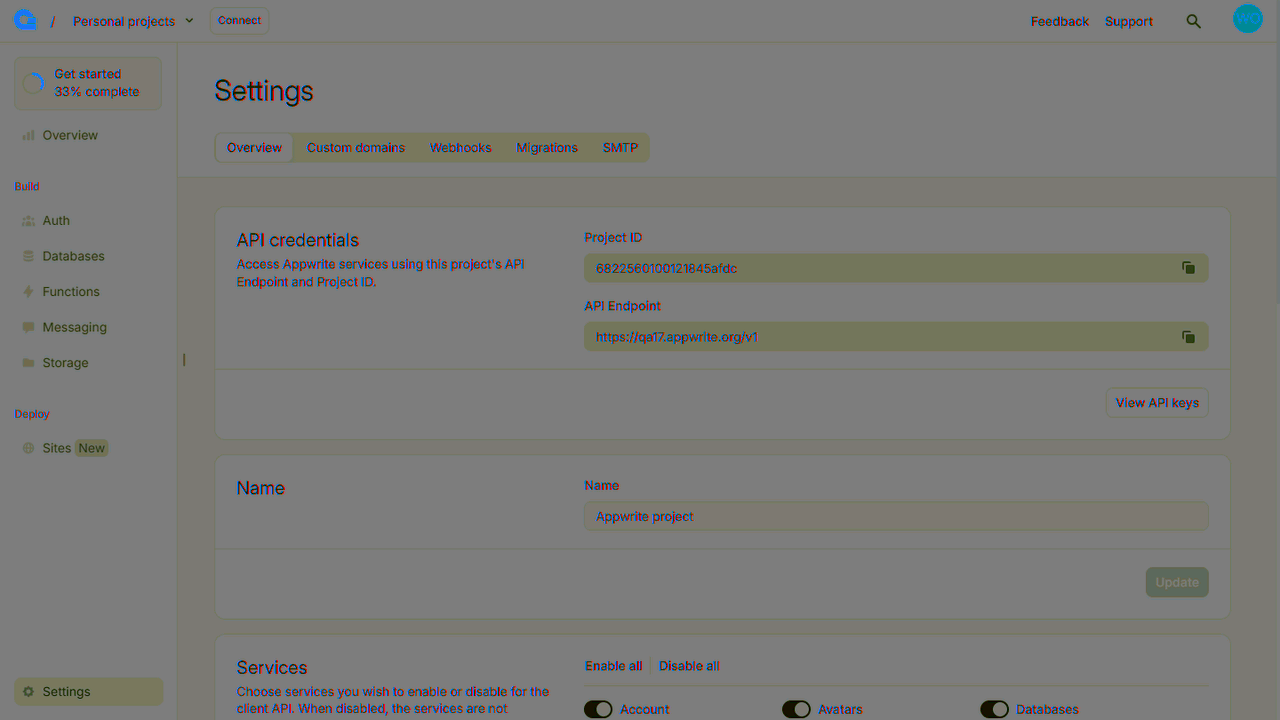
Create a new file called app.go, initialize a function, and initialize the indobase Client. Replace <PROJECT_ID> with your project ID and <YOUR_API_KEY> with your API key. Import the indobase dependencies for indobase, client, databases, and models.
package main

import (
	"github.com/indobase/sdk-for-go/indobase"
	"github.com/indobase/sdk-for-go/client"
	"github.com/indobase/sdk-for-go/tablesDB"
	"github.com/indobase/sdk-for-go/models"
	"github.com/indobase/sdk-for-go/query"
)

var (
	indobaseClient    client.Client
	todoDatabase      *models.Database
	todoTable    *models.Table
	indobaseDatabases *tablesDB.TablesDB
)

func main() {
	indobaseClient = indobase.NewClient(
		indobase.WithProject("<PROJECT_KEY>"),
		indobase.WithKey("<API_KEY>"),
	)
}
Once the Indobase Client is initialized, create a function to configure a todo table. Import the id Indobase dependency by adding "github.com/indobase/sdk-for-go/id" to the imported dependencies list.
func prepareDatabase() {
	tablesDB = indobase.NewTablesDB(indobaseClient)

	todoDatabase, _ = tablesDB.Create(
		id.Unique(),
		"TodosDB",
	)

	todoTable, _ = tablesDB.CreateTable(
		todoDatabase.Id,
		id.Unique(),
		"Todos",
	)

	tablesDB.CreateVarcharColumn(
		todoDatabase.Id,
		todoTable.Id,
		"title",
		255,
		true,
	)

	tablesDB.CreateTextColumn(
		todoDatabase.Id,
		todoTable.Id,
		"description",
		false,
	)

	tablesDB.CreateBooleanColumn(
		todoDatabase.Id,
		todoTable.Id,
		"isComplete",
		true,
	)
}
Create a function to add some mock data to your new table.
func seedDatabase() {
	testTodo1 := map[string]interface{}{
		"title":       "Buy apples",
		"description": "At least 2KGs",
		"isComplete":  true,
	}

	testTodo2 := map[string]interface{}{
		"title":      "Wash the apples",
		"isComplete": true,
	}

	testTodo3 := map[string]interface{}{
		"title":       "Cut the apples",
		"description": "Don't forget to pack them in a box",
		"isComplete":  false,
	}

	tablesDB.createRow(
		todoDatabase.Id,
		todoTable.Id,
		id.Unique(),
		testTodo1,
	)

	tablesDB.createRow(
		todoDatabase.Id,
		todoTable.Id,
		id.Unique(),
		testTodo2,
	)

	tablesDB.createRow(
		todoDatabase.Id,
		todoTable.Id,
		id.Unique(),
		testTodo3,
	)
}
Create a function to retrieve the mock todo data.
type Todo struct {
	Title       string `json:"title"`
	Description string `json:"description"`
	IsComplete  bool   `json:"isComplete"`
}

type TodoList struct {
	*models.DocumentList
	Documents []Todo `json:"rows"`
}

func getTodos() {
	// Retrieve rows (default limit is 25)
	todoResponse, _ := tablesDB.ListRows(
		todoDatabase.Id,
		todoTable.Id,
	)

	var todos TodoList
	todoResponse.Decode(&todos)

	fmt.Println("Todos:")
	for _, todo := range todos.Documents {
		fmt.Printf("Title: %s\nDescription: %s\nIs Todo Complete: %t\n\n", todo.Title, todo.Description, todo.IsComplete)
	}
}

func getCompletedTodos() {
	// Use queries to filter completed todos with pagination
	todoResponse, _ := tablesDB.ListRows(
		todoDatabase.Id,
		todoTable.Id,
		tablesDB.WithListRowsQueries([]string{
			query.Equal("isComplete", true),
			query.OrderDesc("$createdAt"),
			query.Limit(5),
		}),
	)

	var todos TodoList
	todoResponse.Decode(&todos)

	fmt.Println("Completed todos (limited to 5):")
	for _, todo := range todos.Documents {
		fmt.Printf("Title: %s\nDescription: %s\nIs Todo Complete: %t\n\n", todo.Title, todo.Description, todo.IsComplete)
	}
}

func getIncompleteTodos() {
	// Query for incomplete todos
	todoResponse, _ := tablesDB.ListRows(
		todoDatabase.Id,
		todoTable.Id,
		tablesDB.WithListRowsQueries([]string{
			query.Equal("isComplete", false),
			query.OrderAsc("title"),
		}),
	)

	var todos TodoList
	todoResponse.Decode(&todos)

	fmt.Println("Incomplete todos (ordered by title):")
	for _, todo := range todos.Documents {
		fmt.Printf("Title: %s\nDescription: %s\nIs Todo Complete: %t\n\n", todo.Title, todo.Description, todo.IsComplete)
	}
}
Make sure to update main() with the functions you created. Your main() function should look something like this:
package main

import (
	"fmt"

	"github.com/indobase/sdk-for-go/indobase"
	"github.com/indobase/sdk-for-go/client"
	"github.com/indobase/sdk-for-go/tablesDB"
	"github.com/indobase/sdk-for-go/id"
	"github.com/indobase/sdk-for-go/models"
	"github.com/indobase/sdk-for-go/query"
)

var (
	indobaseClient    client.Client
	todoDatabase      *models.Database
	todoTable    *models.Table
	tablesDB *tablesDB.TablesDB
)

func main() {
	indobaseClient = indobase.NewClient(
		indobase.WithProject("<PROJECT_KEY>"),
		indobase.WithKey("<API_KEY>"),
	)

	prepareDatabase()
	seedDatabase()
	getTodos()
	getCompletedTodos()
	getIncompleteTodos()
}
Run your project with go run . and view the response in your console.