

Learn how to setup your first Android project powered by Indobase and the Indobase Android SDK using Java.
Using Kotlin?
Check out the Start with Android (Kotlin) guide.
Open Android Studio and click New Project to create a new project.
Choose your desired project template, for example Empty Activity, and click Next.
Now enter your app name and package name. You will need both of these later when you create your project in the indobase console. Click Finish to create your project.
Head to the Indobase Console.
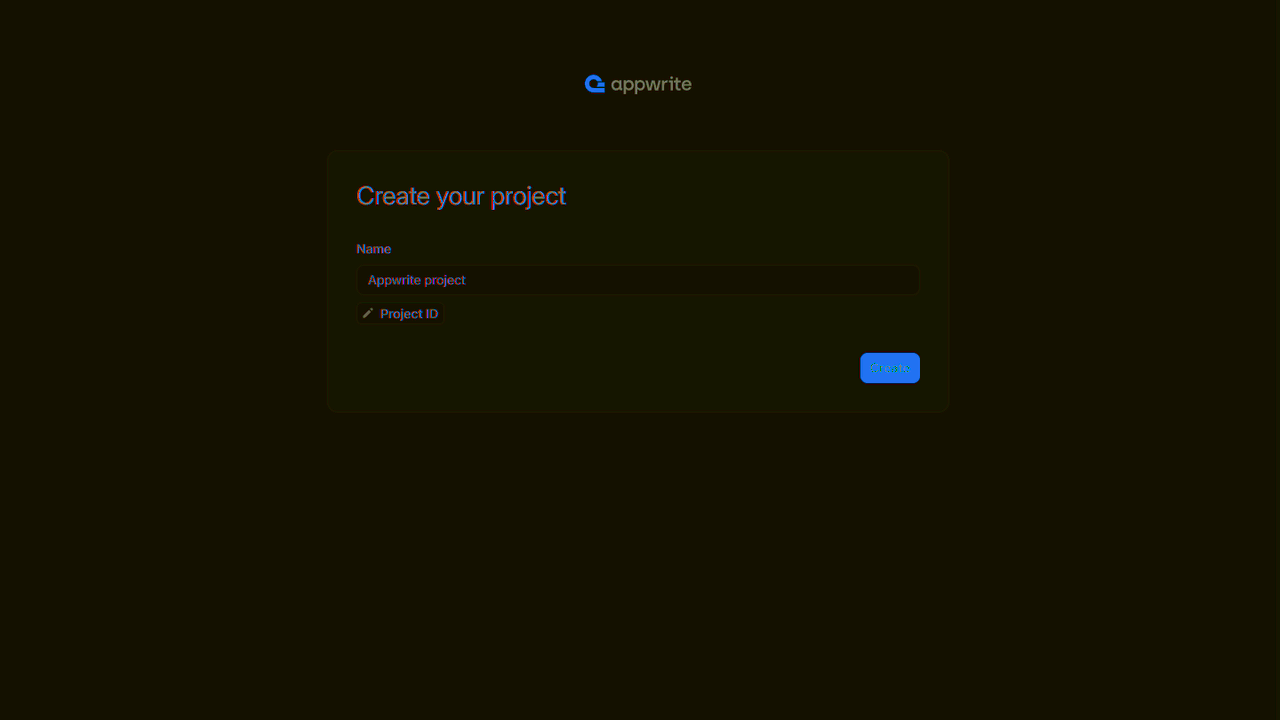
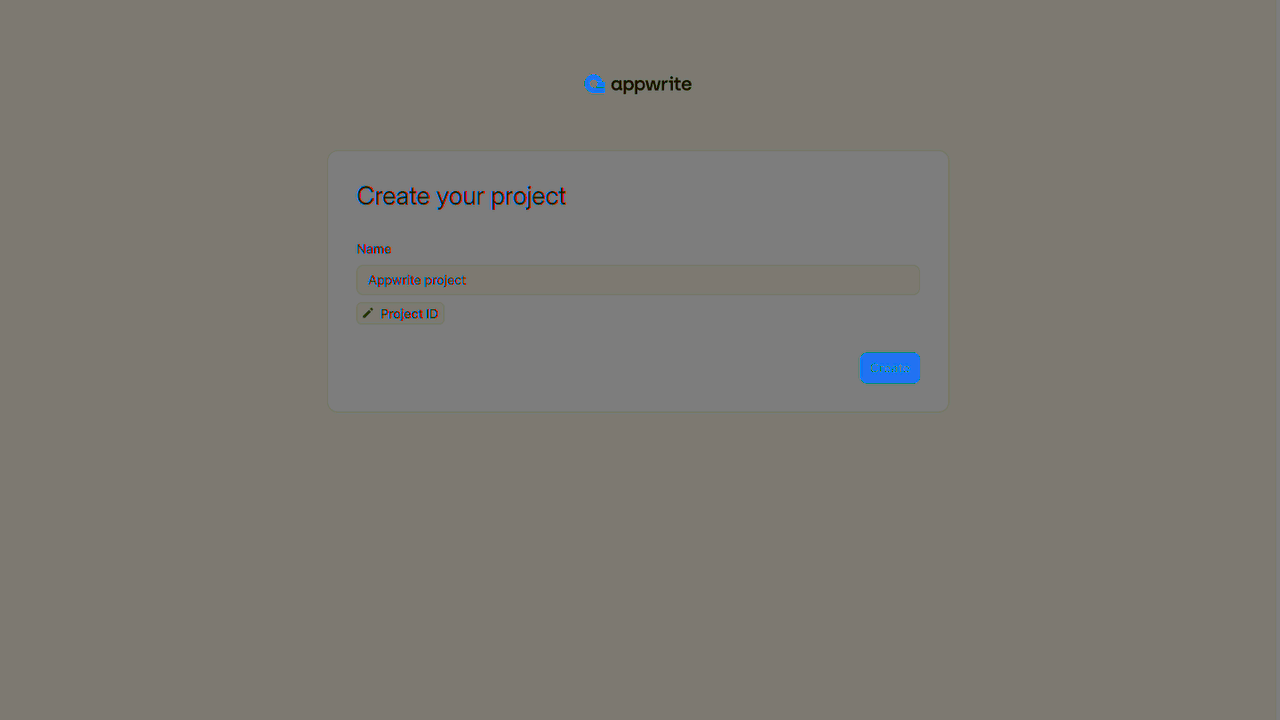
If this is your first time using indobase, create an account and create your first project.
Then, under Add a platform, add an Android app.
Add your app's name and package name, your package name is the one entered when creating an Android project. For existing projects, you should use the applicationId in your app-level build.gradle file.
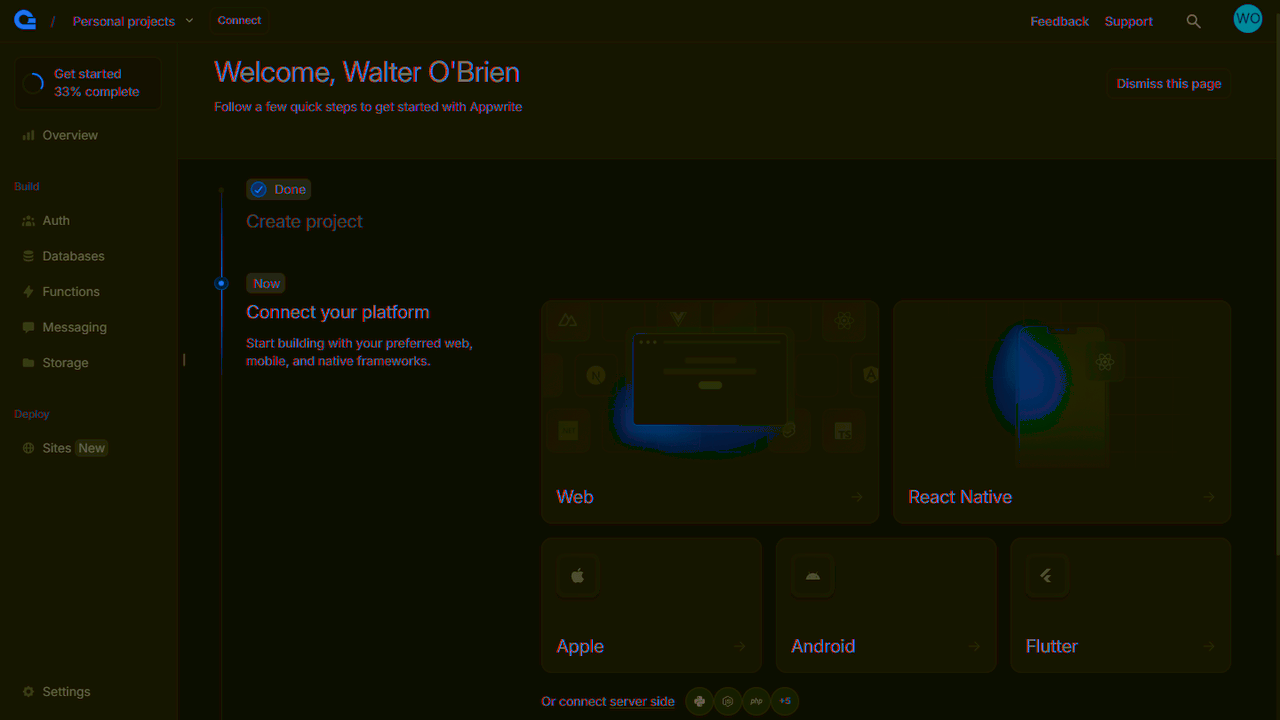
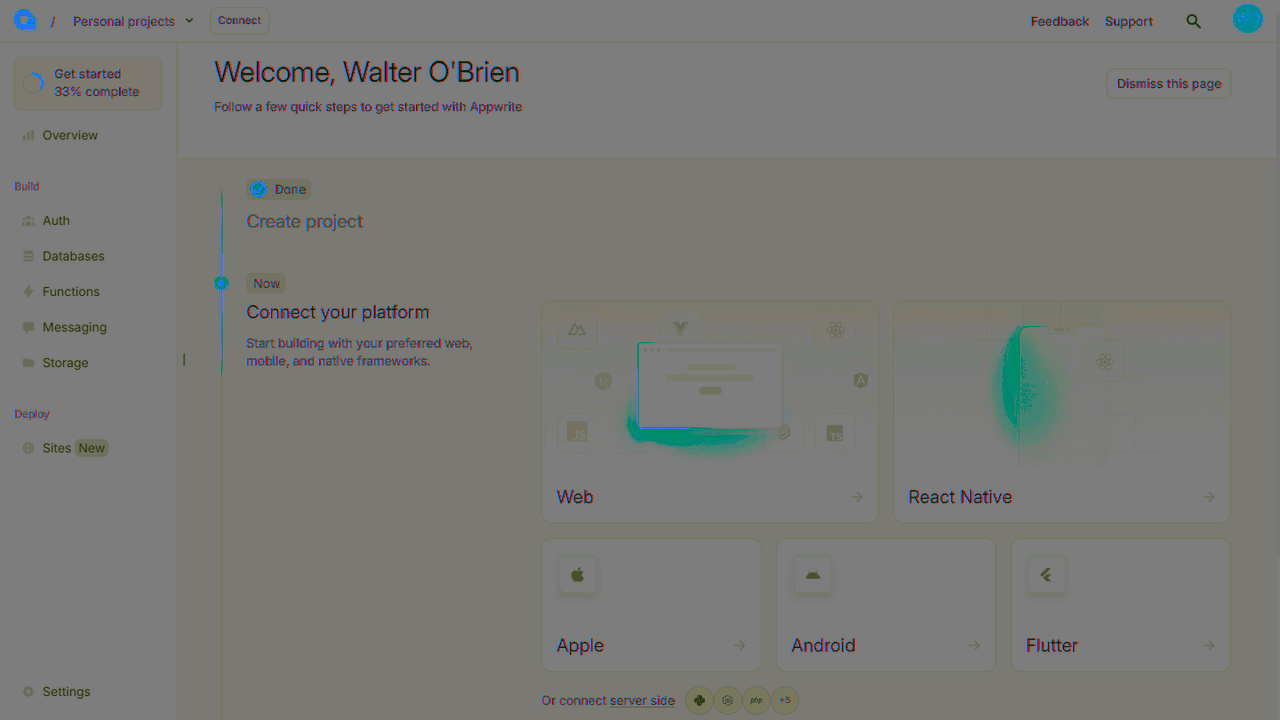
You can skip optional steps.
To add the indobase SDK for Android as a dependency, add the following to your app-level build.gradle file inside the dependencies block.
implementation "io.appwrite:sdk-for-android:8.1.0"
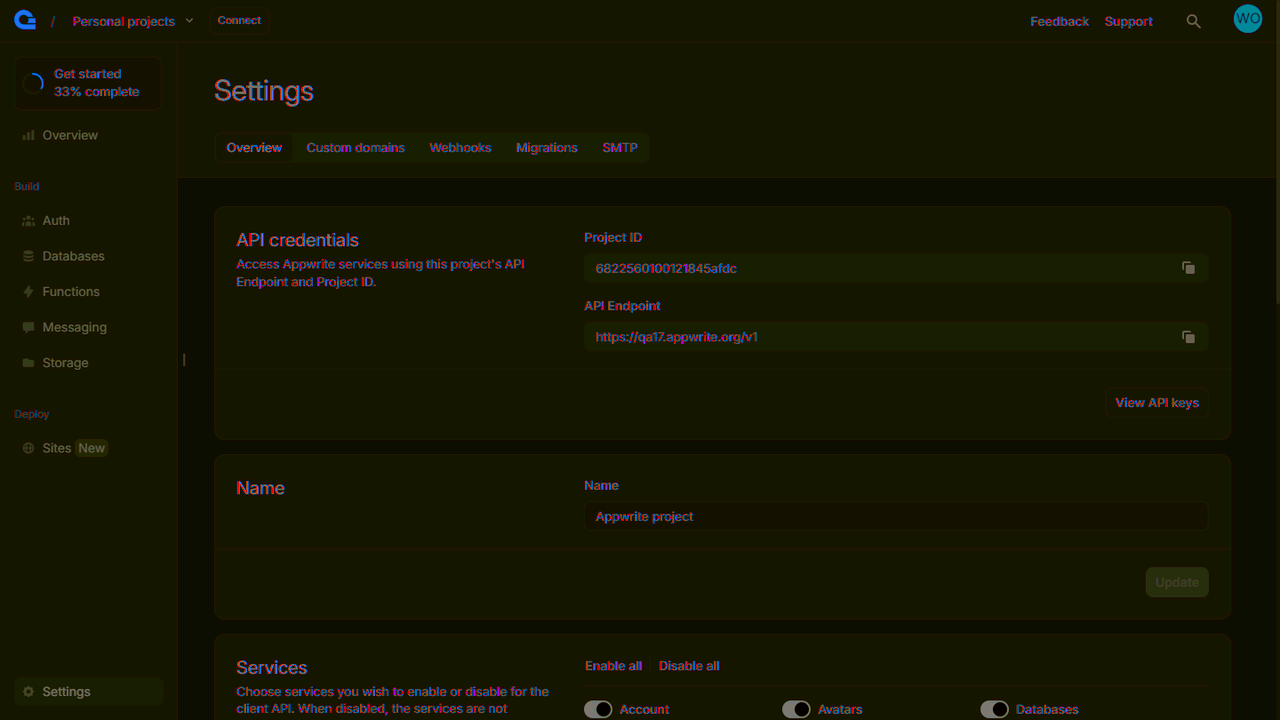
In order to allow creating OAuth sessions, the following activity needs to be added inside the <application> tag, along side the existing <activity> tags in your AndroidManifest.xml. Be sure to replace the <PROJECT_ID> string with your actual indobase project ID. You can find your indobase project ID in you project settings screen in your indobase Console.
<manifest ...>
  ...
  <application ...>
    ...
    <!-- Add this inside the `<application>` tag, along side the existing `<activity>` tags -->
    <activity android:name="io.appwrite.views.CallbackActivity" android:exported="true">
      <intent-filter android:label="android_web_auth">
        <action android:name="android.intent.action.VIEW" />
        <category android:name="android.intent.category.DEFAULT" />
        <category android:name="android.intent.category.BROWSABLE" />
        <data android:scheme="indobase-callback-<PROJECT_ID>" />
      </intent-filter>
    </activity>
  </application>
</manifest>
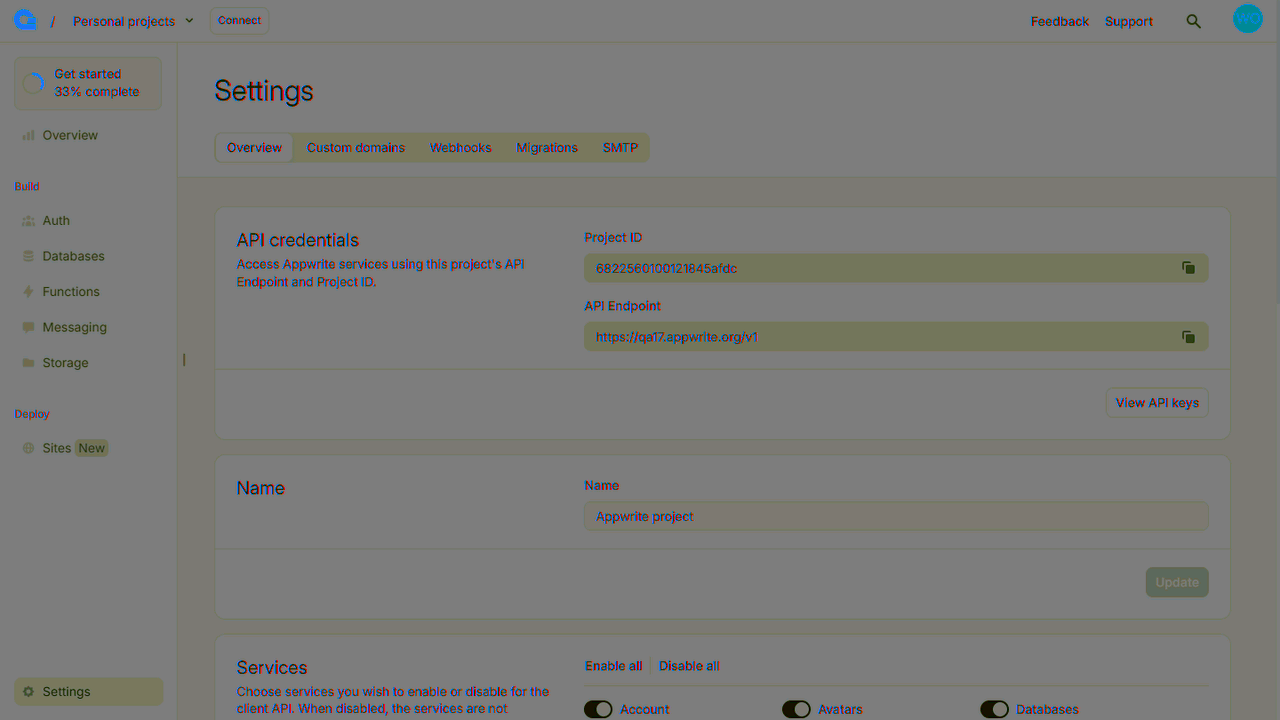
Find your project's ID in the Settings page.
Create a new file indobaseHelper.java and add the following code to it, replacing <PROJECT_ID> with your project ID.
package <YOUR_ROOT_PACKAGE_HERE>;

import android.content.Context;

import java.util.Map;

import io.appwrite.Client;
import io.appwrite.ID;
import io.appwrite.coroutines.CoroutineCallback;
import io.appwrite.models.Session;
import io.appwrite.models.User;
import io.appwrite.services.Account;

public class indobaseHelper {
    private static indobaseHelper instance;
    private Client client;
    private Account account;

    private indobaseHelper(Context context) {
        client = new Client(context)
                .setEndpoint("https://<REGION>.cloud.indobase.io/v1")
                .setProject("<PROJECT_ID>");

        account = new Account(client);
    }

    public static synchronized indobaseHelper getInstance(Context context) {
        if (instance == null) {
            instance = new indobaseHelper(context.getApplicationContext());
        }
        return instance;
    }

    public interface AuthCallback<T> {
        void onSuccess(T result);
        void onError(Exception error);
    }

    public void login(String email, String password, final AuthCallback<Session> callback) {
        account.createEmailPasswordSession(
            email,
            password,
            new CoroutineCallback<>(result -> {
            callback.onSuccess(result);
            return null;
        }, error -> {
            callback.onError(error);
            return null;
        }));
    }

    public void register(String email, String password, final AuthCallback<User<Map<String, Object>>> callback) {
        account.create(
            ID.unique(),
            email,
            password,
                new CoroutineCallback<>(result -> {
                    callback.onSuccess(result);
                    return null;
                }, error -> {
                    callback.onError(error);
                    return null;
                })
        );
    }

    public void logout(final AuthCallback<Object> callback) {
        account.deleteSession("current", new CoroutineCallback<>(result -> {
            callback.onSuccess(result);
            return null;
        }, error -> {
            callback.onError(error);
            return null;
        }));
    }
}
First, update your activity_main.xml layout file:
<?xml version="1.0" encoding="utf-8"?>
<LinearLayout xmlns:android="http://schemas.android.com/apk/res/android"
    xmlns:app="http://schemas.android.com/apk/res-auto"
    xmlns:tools="http://schemas.android.com/tools"
    android:layout_width="match_parent"
    android:layout_height="match_parent"
    android:orientation="vertical"
    android:padding="16dp"
    tools:context=".MainActivity">

    <TextView
        android:id="@+id/textViewStatus"
        android:layout_width="match_parent"
        android:layout_height="wrap_content"
        android:gravity="center"
        android:padding="16dp"
        android:textSize="18sp"
        android:visibility="gone" />

    <Button
        android:id="@+id/buttonLogout"
        android:layout_width="match_parent"
        android:layout_height="wrap_content"
        android:text="Logout"
        android:layout_marginBottom="16dp"
        android:visibility="gone" />

    <EditText
        android:id="@+id/editTextEmail"
        android:layout_width="match_parent"
        android:layout_height="wrap_content"
        android:layout_marginBottom="8dp"
        android:hint="Email"
        android:inputType="textEmailAddress" />

    <EditText
        android:id="@+id/editTextPassword"
        android:layout_width="match_parent"
        android:layout_height="wrap_content"
        android:layout_marginBottom="16dp"
        android:hint="Password"
        android:inputType="textPassword" />

    <LinearLayout
        android:layout_width="match_parent"
        android:layout_height="wrap_content"
        android:orientation="horizontal">

        <Button
            android:id="@+id/buttonLogin"
            android:layout_width="0dp"
            android:layout_height="wrap_content"
            android:layout_weight="1"
            android:layout_marginEnd="8dp"
            android:text="Login" />

        <Button
            android:id="@+id/buttonRegister"
            android:layout_width="0dp"
            android:layout_height="wrap_content"
            android:layout_weight="1"
            android:layout_marginStart="8dp"
            android:text="Register" />
    </LinearLayout>

</LinearLayout>
Now update your MainActivity.java file with the following code:
package <YOUR_ROOT_PACKAGE_HERE>;

import android.os.Bundle;
import android.util.Log;
import android.view.View;
import android.widget.Button;
import android.widget.EditText;
import android.widget.TextView;
import android.widget.Toast;

import androidx.appcompat.app.AppCompatActivity;

import java.util.Map;

import io.appwrite.models.Session;
import io.appwrite.models.User;

public class MainActivity extends AppCompatActivity {
    private static final String TAG = "MainActivity";

    private EditText editTextEmail;
    private EditText editTextPassword;
    private Button buttonLogin;
    private Button buttonRegister;
    private TextView textViewStatus;
    private Button buttonLogout;
    private indobaseHelper indobase;

    @Override
    protected void onCreate(Bundle savedInstanceState) {
        super.onCreate(savedInstanceState);

        // Initialize indobase
        indobase = indobaseHelper.getInstance(getApplicationContext());

        setContentView(R.layout.activity_main);

        // Initialize UI components
        editTextEmail = findViewById(R.id.editTextEmail);
        editTextPassword = findViewById(R.id.editTextPassword);
        buttonLogin = findViewById(R.id.buttonLogin);
        buttonRegister = findViewById(R.id.buttonRegister);
        textViewStatus = findViewById(R.id.textViewStatus);
        buttonLogout = findViewById(R.id.buttonLogout);

        // Set up click listeners
        buttonLogin.setOnClickListener(v -> login());
        buttonRegister.setOnClickListener(v -> register());
        buttonLogout.setOnClickListener(v -> logout());
    }

    private void login() {
        String email = editTextEmail.getText().toString().trim();
        String password = editTextPassword.getText().toString().trim();

        if (email.isEmpty() || password.isEmpty()) {
            Toast.makeText(this, "Please enter email and password", Toast.LENGTH_SHORT).show();
            return;
        }

        indobase.login(email, password, new indobaseHelper.AuthCallback<Session>() {
            @Override
            public void onSuccess(Session result) {
                runOnUiThread(() -> {
                    Toast.makeText(MainActivity.this, "Login successful", Toast.LENGTH_SHORT).show();
                    showLoggedInUI(email);
                });
            }

            @Override
            public void onError(Exception error) {
                runOnUiThread(() -> {
                    Log.e(TAG, "Login failed", error);
                    Toast.makeText(MainActivity.this, "Login failed: " + error.getMessage(), Toast.LENGTH_SHORT).show();
                });
            }
        });
    }

    private void register() {
        String email = editTextEmail.getText().toString().trim();
        String password = editTextPassword.getText().toString().trim();

        if (email.isEmpty() || password.isEmpty()) {
            Toast.makeText(this, "Please enter email and password", Toast.LENGTH_SHORT).show();
            return;
        }

        indobase.register(email, password, new indobaseHelper.AuthCallback<User<Map<String, Object>>>() {
            @Override
            public void onSuccess(User<Map<String, Object>> result) {
                runOnUiThread(() -> {
                    Toast.makeText(MainActivity.this, "Registration successful. You can now login.", Toast.LENGTH_SHORT).show();
                });
            }

            @Override
            public void onError(Exception error) {
                runOnUiThread(() -> {
                    Log.e(TAG, "Registration failed", error);
                    Toast.makeText(MainActivity.this, "Registration failed: " + error.getMessage(), Toast.LENGTH_SHORT).show();
                });
            }
        });
    }

    private void logout() {
        indobase.logout(new indobaseHelper.AuthCallback<Object>() {
            @Override
            public void onSuccess(Object result) {
                runOnUiThread(() -> {
                    Toast.makeText(MainActivity.this, "Logout successful", Toast.LENGTH_SHORT).show();
                    showLoginUI();
                });
            }

            @Override
            public void onError(Exception error) {
                runOnUiThread(() -> {
                    Log.e(TAG, "Logout failed", error);
                    Toast.makeText(MainActivity.this, "Logout failed: " + error.getMessage(), Toast.LENGTH_SHORT).show();
                });
            }
        });
    }

    private void showLoggedInUI(String email) {
        editTextEmail.setVisibility(View.GONE);
        editTextPassword.setVisibility(View.GONE);
        buttonLogin.setVisibility(View.GONE);
        buttonRegister.setVisibility(View.GONE);

        textViewStatus.setVisibility(View.VISIBLE);
        buttonLogout.setVisibility(View.VISIBLE);

        textViewStatus.setText("Logged in as " + email);
    }

    private void showLoginUI() {
        editTextEmail.setVisibility(View.VISIBLE);
        editTextPassword.setVisibility(View.VISIBLE);
        buttonLogin.setVisibility(View.VISIBLE);
        buttonRegister.setVisibility(View.VISIBLE);

        textViewStatus.setVisibility(View.GONE);
        buttonLogout.setVisibility(View.GONE);
    }
}
Run your project by clicking Run app in Android Studio.